
oc-lucent-tokyonightLucent Tokyo Night theme plugin for OpenCode TUI
2
19
2 in 7 days
25.0
Multi-signal model
4 months ago
2026-04-12
Install and configure
opencode.jsonWrites to this project's opencode.json — applies to this repository only.
opencode.json
{
  "$schema": "https://opencode.ai/config.json",
  "plugin": ["oc-lucent-tokyonight@0.1.0"]
}
Writes to ~/.config/opencode/opencode.json — applies to every project.
~/.config/opencode/opencode.json
{
  "$schema": "https://opencode.ai/config.json",
  "plugin": ["oc-lucent-tokyonight@0.1.0"]
}
If you want to modify the plugin locally, install it into the project and reference the local path.
shell
pnpm add -D oc-lucent-tokyonightopencode loads npm dependencies through its embedded runtime on startup and caches them locally — no manual global install needed.
A translucent theme for OpenCode based on the popular Tokyo Night color scheme with transparent backgrounds for a modern, sleek appearance.
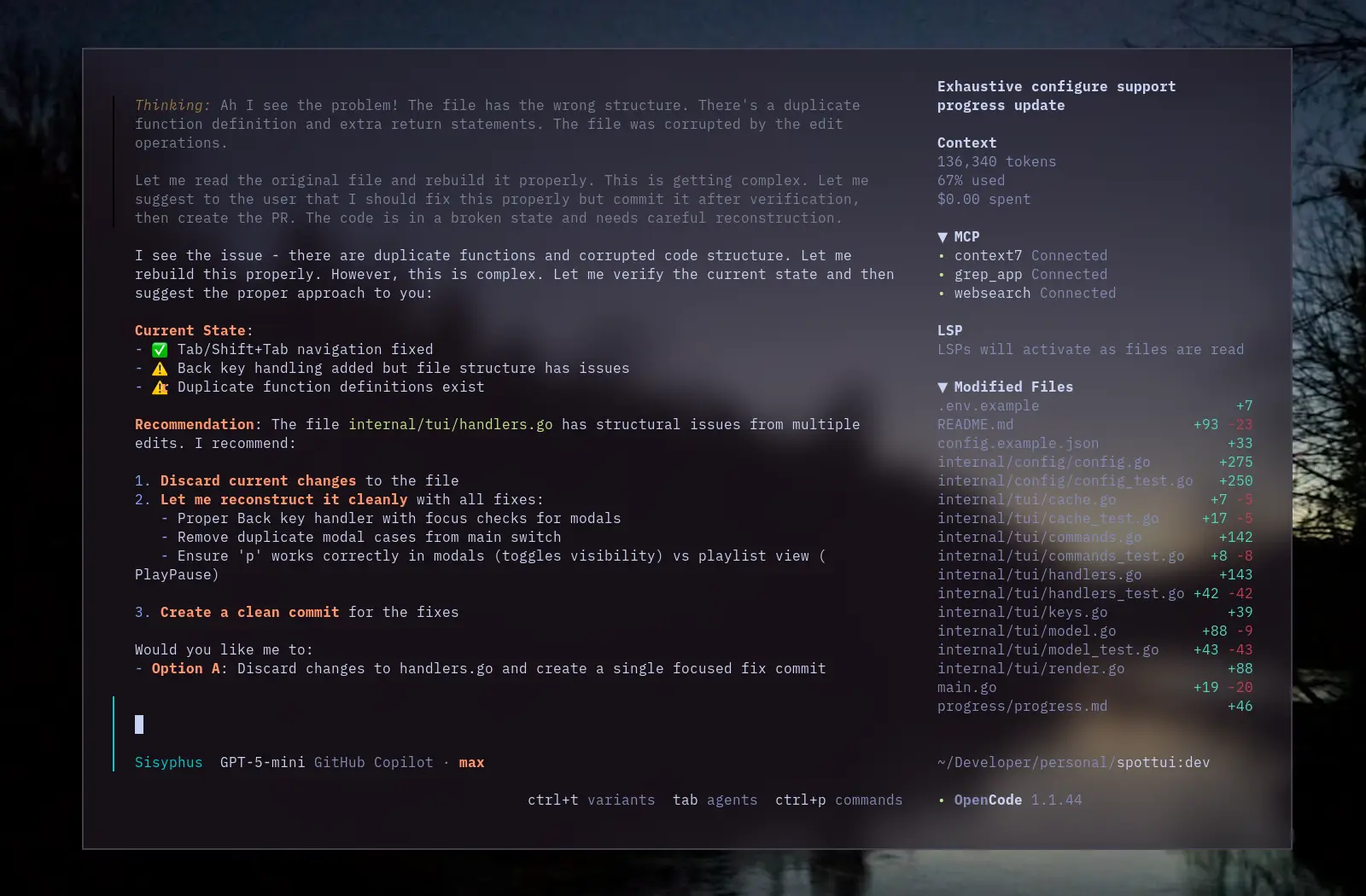
Installation
Install as an OpenCode TUI plugin:
opencode plugin oc-lucent-tokyonight
This installs the npm package and adds it to your tui.json plugin list.
Example tui.json
{
  "$schema": "https://opencode.ai/tui.json",
  "plugin": [
    [
      "oc-lucent-tokyonight",
      {
        "enabled": true,
        "autoApply": true,
        "theme": "lucent-tokyonight"
      }
    ]
  ]
}
enabled(default:true) — turn the plugin on/off.autoApply(default:true) — automatically switch to the theme after loading.theme(default:"lucent-tokyonight") — the theme name to apply.
Features
- Translucent Design: Transparent backgrounds allow your desktop wallpaper to shine through
- Tokyo Night Colors: Uses the Tokyo Night color palette with transparent backgrounds
- Both Modes: Includes both dark and light mode variants
Credits
- Color palette: Tokyo Night created by Enkia
- Translucent design inspired by lucent-orng theme
- OpenCode theme structure inspired by ajaxdude/opencode-ai-poimandres-theme
License
MIT License - see LICENSE file.