
Clau Avatar
Animated ASCII avatar for the opencode TUI
2
+1 in 30 days
83
16 in 7 days
36.4
Multi-signal model
1 month ago
2026-09-02
Install and configure
opencode.jsonWrites to this project's opencode.json — applies to this repository only.
opencode.json
{
  "$schema": "https://opencode.ai/config.json",
  "plugin": ["opencode-clau-avatar@1.0.2"]
}
Writes to ~/.config/opencode/opencode.json — applies to every project.
~/.config/opencode/opencode.json
{
  "$schema": "https://opencode.ai/config.json",
  "plugin": ["opencode-clau-avatar@1.0.2"]
}
If you want to modify the plugin locally, install it into the project and reference the local path.
shell
pnpm add -D opencode-clau-avatarOpenCode loads npm dependencies through its embedded runtime on startup and caches them locally — no manual global install needed.
An animated ASCII avatar for your opencode TUI. Pure TS, no build step.
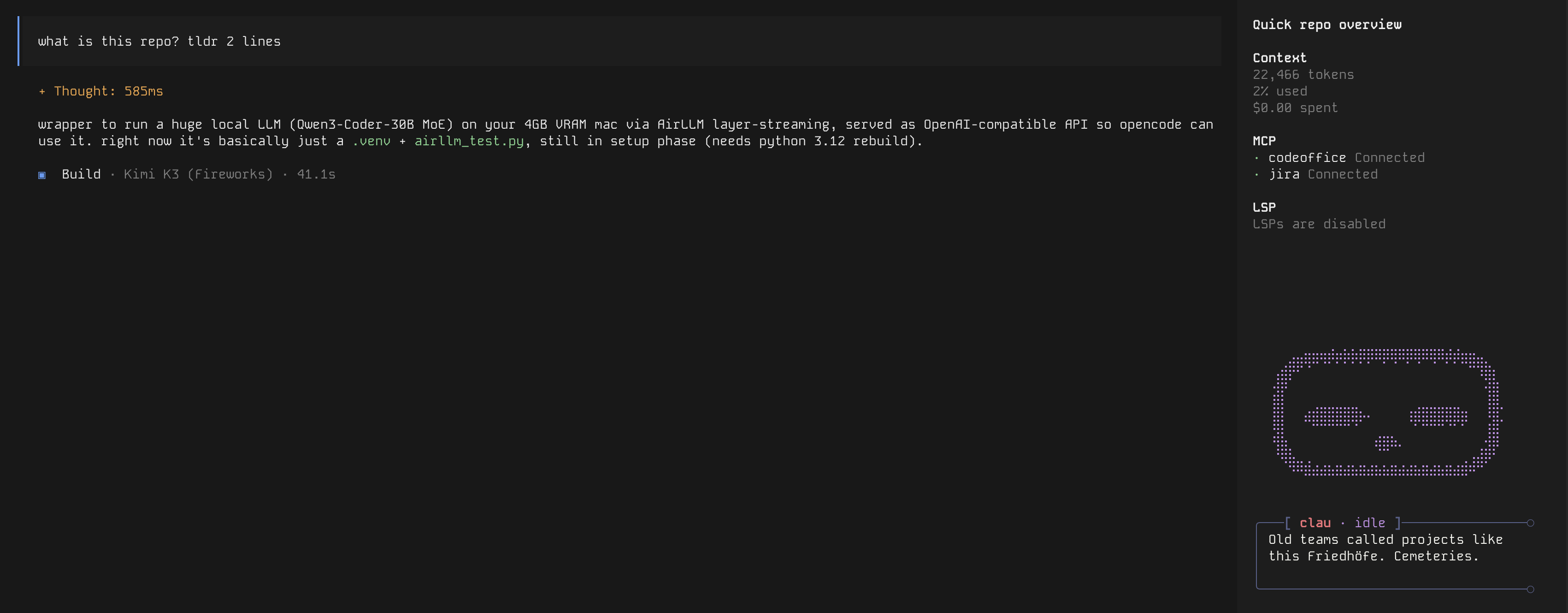
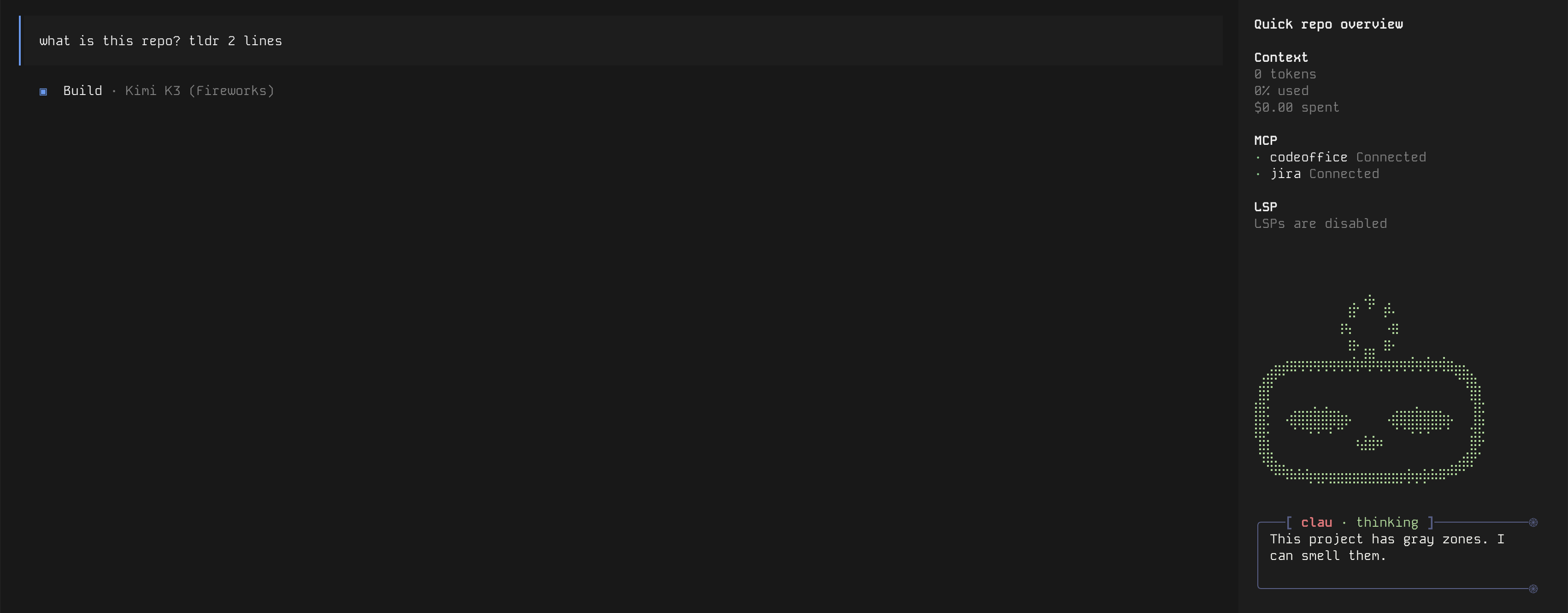
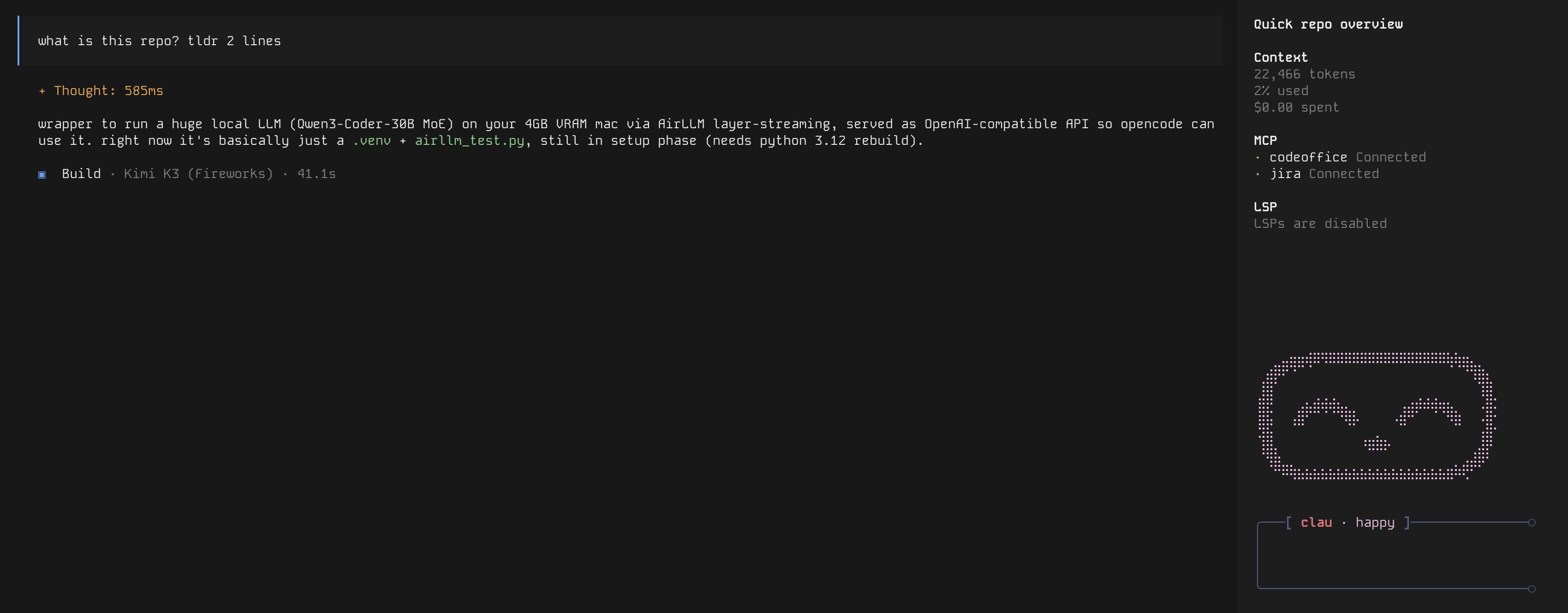
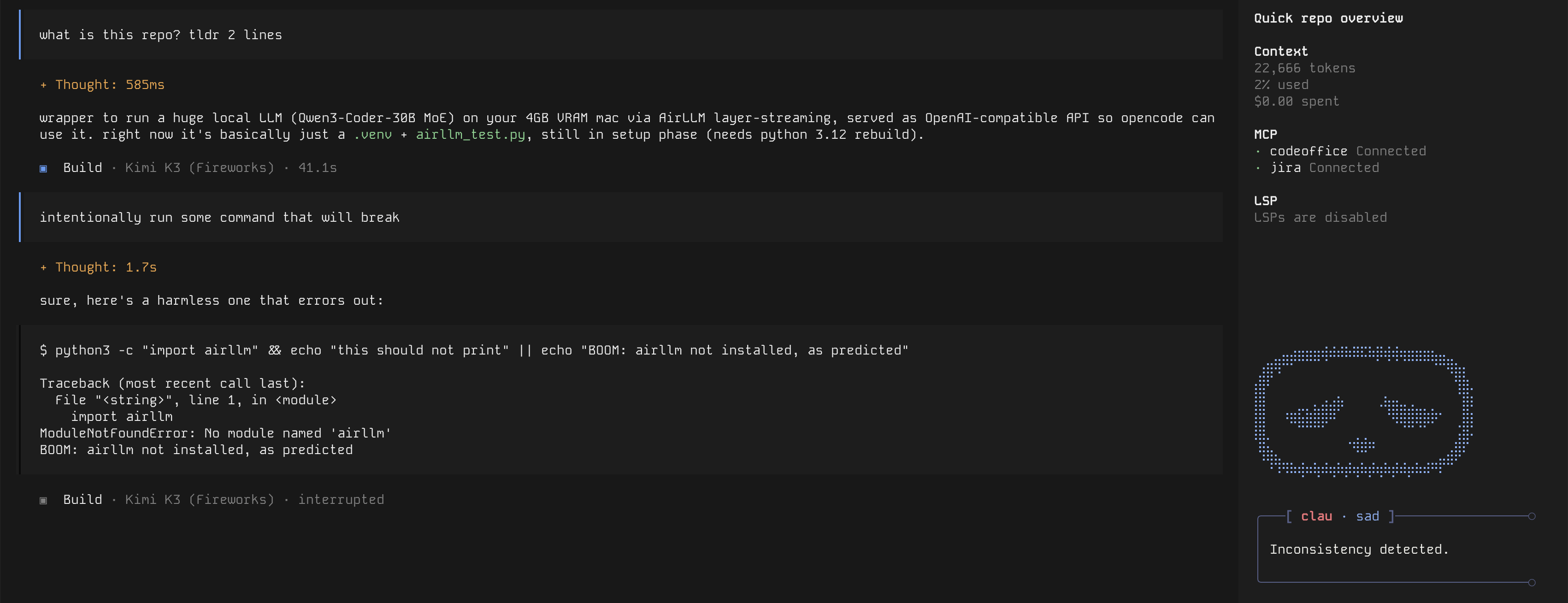
Sits in the sidebar, reacts to what the agent is doing: idle chit-chat, thinking spinner while it works, happy on success, sad on errors. Ships with two characters (clau, toji) — pick with /avatar.
How it looks
| idle | thinking |
|---|---|
 |
 |
| happy | sad |
|---|---|
 |
 |
Install
From npm (recommended)
opencode plugin opencode-clau-avatar -g
That's it — opencode installs the package and wires it into your global tui.json itself. Restart the TUI.
From source
git clone https://github.com/murtll/clau-avatar ~/.config/opencode/tui/clau-avatar
Then point ~/.config/opencode/tui.json at the entry file:
{
  "$schema": "https://opencode.ai/tui.json",
  "plugin": [
    ["~/.config/opencode/tui/clau-avatar/clau-avatar.tsx", {}]
  ]
}
(use the absolute path if your opencode version doesn't expand ~)
Usage
/avatar— open the character selector- the avatar animates on its own; no other interaction needed
Config
Everything lives in avatar.conf. Layers (highest priority first):
$CLAU_AVATAR_CONF— env override~/.config/opencode/tui/clau-avatar/avatar.conf— your own config- the bundled
avatar.conf— shipped with the package
Configs are layered, not replaced: your file only needs the keys you want to add or change — everything else falls through to the bundled defaults.
So to tweak colors or timings, drop your own avatar.conf at path 2 with just:
border_color = #565f89
color.idle = #c792ea
phrase_ms = 6500
bubble_width = 34
See the bundled avatar.conf for all keys.
Add your own character
Frames are plain .txt files in <sprite_root>/<id>/<state>/, where <state> is idle / thinking / sad / happy. Missing non-idle states fall back to that character's idle frames.
Your own sprites live next to your own config — not in the npm cache (it gets wiped). Put them under ~/.config/opencode/tui/clau-avatar/:
~/.config/opencode/tui/clau-avatar/
├── avatar.conf
└── characters/
    └── miku/
        └── idle/
            └── 00.txt
Say you want Hatsune Miku judging your code — your avatar.conf:
characters = [miku, clau, toji]
default_character = miku
sprite_roots = [./characters]
character.miku.name = Miku
greeting.miku = "Ready when you are."
phrase.miku.idle = ["Keeping an eye on things."]
phrase.miku.thinking = ["Let me work through this."]
phrase.miku.sad = ["That did not land. Retrying."]
phrase.miku.happy = ["Nice, that worked."]
sprite_roots from every layer are searched in priority order, so the bundled clau and toji keep working, and your own sprites win if you reuse a bundled id (re-skin clau by dropping files in characters/clau/). Lists can span multiple lines and items can be quoted — see the bundled config for examples.
Then run /avatar → Miku.
Publishing (for maintainers)
npm login
npm view opencode-clau-avatar   # 404 means the name is free
npm publish --access public
The package.json exposes exports["./tui"], which is what opencode plugin looks for. No build step — the TUI transpiles the .tsx itself. Don't add a main field: that would register it as a server plugin too.
License
MIT
Similar plugins

Session Recap
@kitlangton/opencode-session-recap
Transient session recaps for the OpenCode V2 TUI

Quotes Tui
opencode-quotes-tui
OpenCode TUI plugin that replaces the home screen tips with a random quote

Aside
opencode-aside
Claude Code's /btw side chat for opencode - ask a one-shot question in an overlay, with no tools and nothing added to the transcript