
opencode-image-compressAutomatically compresses images before sending to AI providers to avoid size limits
1
100
近 7 天 11
24.1
生态多维模型
6 个月前
2026-02-04
快速安装与配置
opencode.json写入当前项目的 opencode.json,只对这个仓库生效。
opencode.json
{
  "$schema": "https://opencode.ai/config.json",
  "plugin": ["opencode-image-compress@0.3.2"]
}
写入 ~/.config/opencode/opencode.json,对所有项目生效。
~/.config/opencode/opencode.json
{
  "$schema": "https://opencode.ai/config.json",
  "plugin": ["opencode-image-compress@0.3.2"]
}
若你要在本地改造这个插件,先装到项目里再从本地路径引用。
shell
pnpm add -D opencode-image-compressopencode 启动时会通过内嵌运行时自动加载 npm 依赖并缓存至本地目录,无需手动在全局环境执行安装。
OpenCode plugin that automatically compresses images before sending them to AI providers, preventing "image exceeds maximum" errors.
Problem
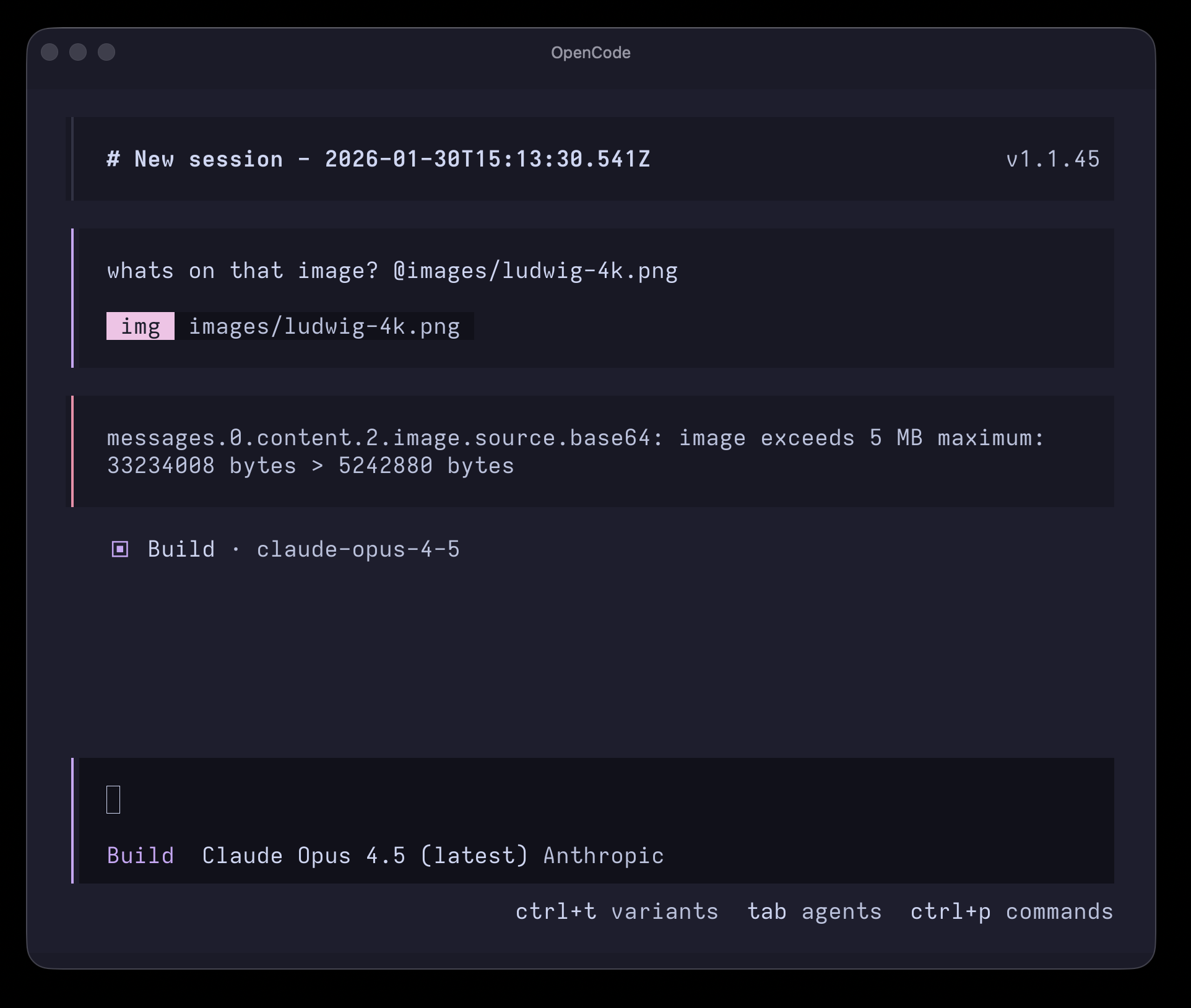
High-resolution images (especially @2x Retina screenshots) often exceed provider size limits, making it impossible to use them in conversations:
Solution
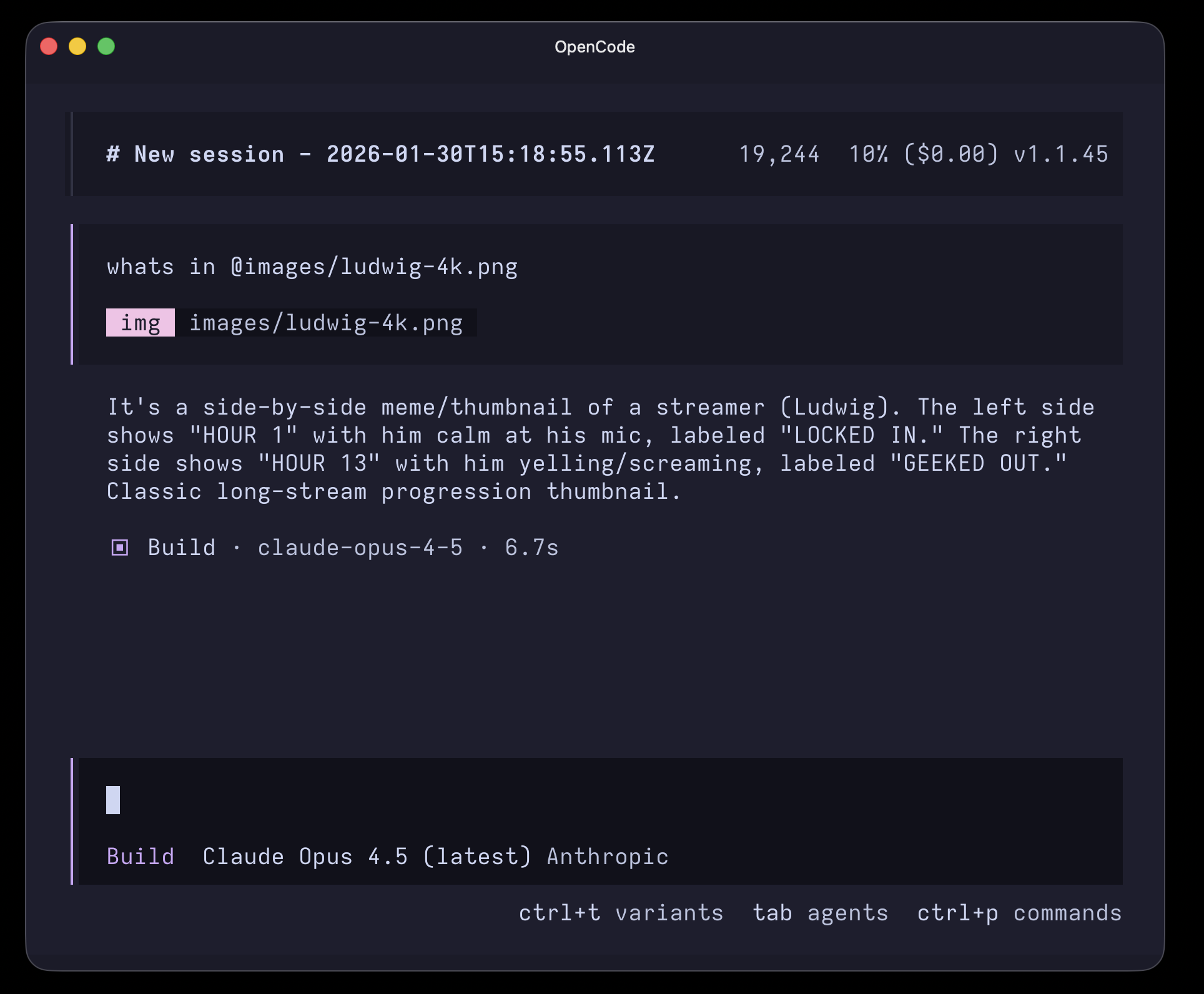
With the plugin installed, images are automatically compressed before being sent. The same image works seamlessly:
Installation
Add to your opencode.json (global or per-project):
{
	"plugin": ["opencode-image-compress@latest"]
}
That's it. OpenCode will automatically install the plugin on next launch.
How It Works
The plugin compresses images in two scenarios:
- Images pasted in chat - via the
experimental.chat.messages.transformhook - Images read by the agent - via the
tool.execute.afterhook when the Read tool returns image attachments
In both cases, it detects the provider and model, and compresses images that exceed provider-specific limits.
Provider Limits
Verified as of January 2026. Source URLs are in src/providers.ts.
| Provider | Limit | Target (70%) | Source |
|---|---|---|---|
| Anthropic | 5 MB | 3.5 MB | docs |
| Amazon Bedrock | 3.75 MB | 2.6 MB | docs |
| OpenAI | 20 MB | 14 MB | docs |
| Azure OpenAI | 20 MB | 14 MB | docs |
| Google (AI Studio) | 100 MB | 70 MB | blog |
| Google Vertex AI | 7 MB | 4.9 MB | docs |
| Google Vertex Anthropic | 5 MB | 3.5 MB | (follows Anthropic limits) |
| Groq | 4 MB | 2.8 MB | docs |
| Fireworks AI | 10 MB | 7 MB | docs |
| Perplexity | 50 MB | 35 MB | docs |
| xAI (Grok) | 20 MB | 14 MB | docs |
| DeepSeek | 10 MB | 7 MB | (community consensus) |
| Mistral | 10 MB | 7 MB | docs |
| Together AI | 20 MB | 14 MB | (not documented) |
| Other/Unknown | 5 MB | 3.5 MB | (conservative default) |
Proxy Providers
Providers like github-copilot, opencode, github-models, and openrouter proxy to upstream APIs. The plugin resolves the actual provider from the model ID (e.g., claude-sonnet-4-5 → Anthropic → 5 MB, gpt-4o → OpenAI → 20 MB) to apply the correct limit.
Compression Strategy
- Skip if already under target (70% of provider limit)
- Scale down if dimensions exceed 2048px
- Reduce quality progressively (JPEG/WebP/AVIF)
- PNG: increase compression level, then shrink dimensions
- Fallback: aggressive resize to 1024px
Supported Formats
JPEG, PNG, WebP, AVIF, GIF (converted to PNG), other formats (converted to JPEG).
Logging
The plugin logs compression activity to OpenCode's app log system (service: "image-compress"). View logs in the TUI or via the API.
Toast Notifications
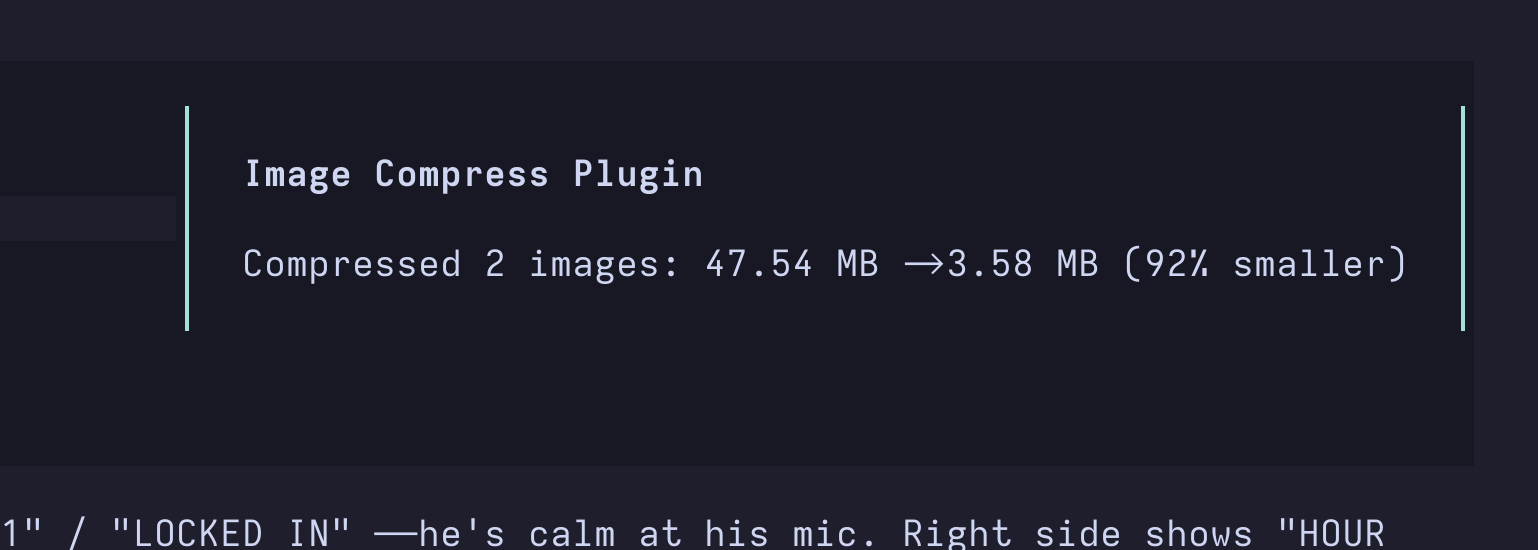
Set OPENCODE_IMAGE_COMPRESS_PLUGIN_SHOW_TOAST=1 to show TUI toast notifications when images are compressed or when compression fails.
Development
git clone https://github.com/kynnyhsap/opencode-image-compress.git
cd opencode-image-compress
bun install

# Run OpenCode with the plugin loaded from source
bun dev

# Run all checks (format, lint, typecheck, unit tests)
bun check

# Individual commands
bun fmt
bun lint
bun typecheck
bun test:unit
E2E_TESTS=1 bun test:e2e
License
MIT