
opencode-better-file-uploadOpenCode plugin that makes dragging any file (PDF, Word, PowerPoint, Excel, …) into chat just work — even on models that can't read binary documents.
7
76
近 7 天 26
35.6
生态多维模型
2 个月前
2026-06-14
快速安装与配置
opencode.json写入当前项目的 opencode.json,只对这个仓库生效。
opencode.json
{
  "$schema": "https://opencode.ai/config.json",
  "plugin": ["opencode-better-file-upload@0.2.1"]
}
写入 ~/.config/opencode/opencode.json,对所有项目生效。
~/.config/opencode/opencode.json
{
  "$schema": "https://opencode.ai/config.json",
  "plugin": ["opencode-better-file-upload@0.2.1"]
}
若你要在本地改造这个插件,先装到项目里再从本地路径引用。
shell
pnpm add -D opencode-better-file-uploadopencode 启动时会通过内嵌运行时自动加载 npm 依赖并缓存至本地目录,无需手动在全局环境执行安装。
opencode-better-file-upload
Drop any file into OpenCode chat — it just works.
Even on models that can't read PDFs, Word, or PowerPoint.



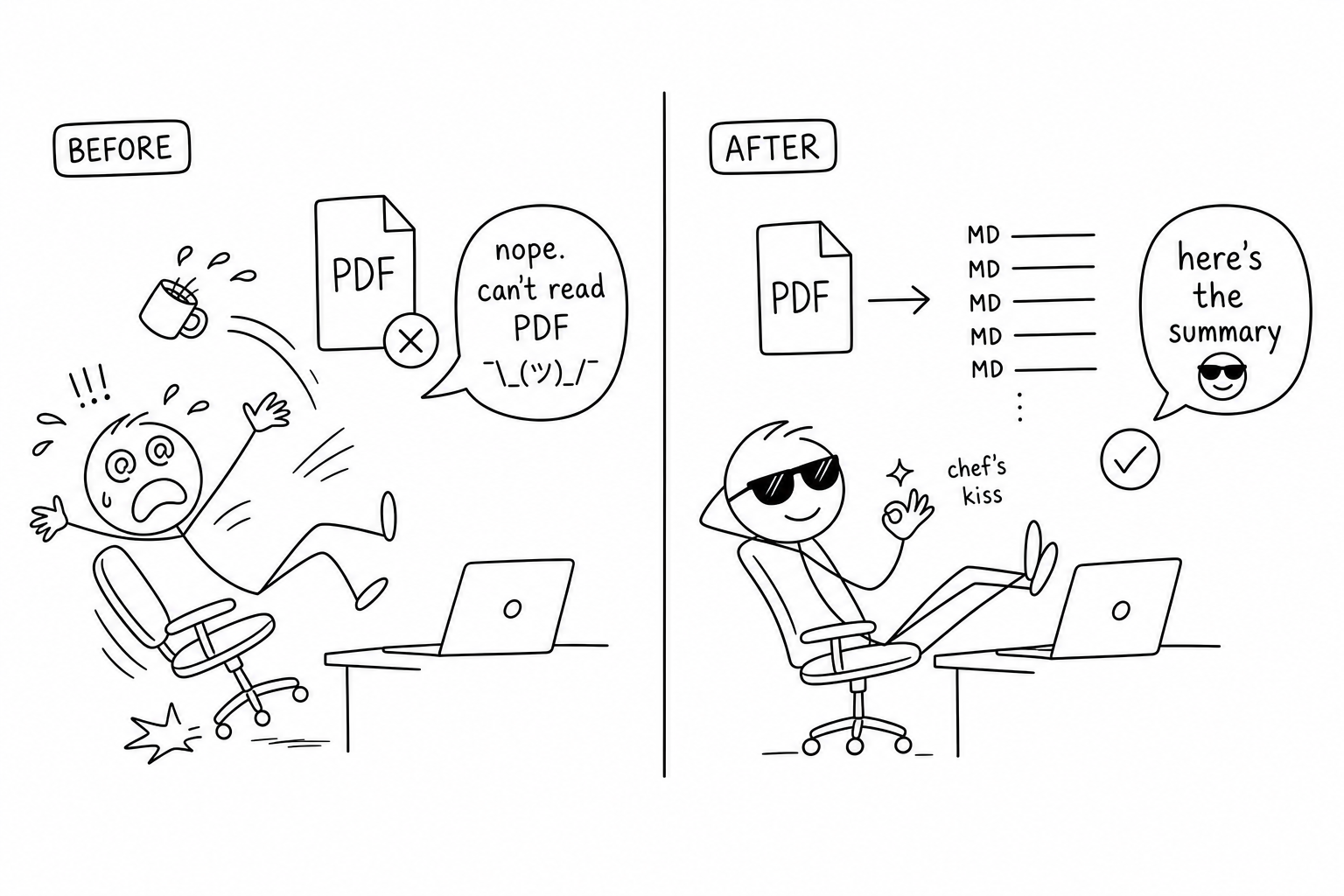
OpenCode forwards binary attachments (PDF, Word, PowerPoint, Excel…) to the model as-is, but most LLMs can't read them — so dragging a PDF into chat fails with this model does not support pdf input. This plugin intercepts those files, drops them on disk, and converts them to Markdown on demand when the model actually needs the contents. Images and plain text pass straight through.
Highlights
- It just works — drag any document into chat instead of getting
this model does not support pdf input. - Lazy by design — nothing is converted until the model asks for it. A 15 MB PDF never blocks your message, and you never pay to convert a file the model doesn't read.
- Works everywhere — runs inside OpenCode itself (the
chat.messagehook), so every frontend you use — TUI, CLI, web, OpenChamber — gets the fix with no per-client setup. - Non-intrusive — images and plain-text/code files pass straight through untouched.
Supported files
| Category | Extensions |
|---|---|
.pdf |
|
| Word | .docx, .doc |
| PowerPoint | .pptx, .ppt |
| Excel | .xlsx, .xls |
| Web / data | .html, .htm, .csv, .json, .xml |
| Books / archives | .epub, .zip |
Outlook .msg |
|
| Images / audio | OCR for .png / .jpg, transcription for .wav / .mp3 |
| Web video | YouTube URLs |
→ Background, diagrams, and full reference: docs/details.md.
Install
opencode plugin opencode-better-file-upload --global # recommended — fixes file upload everywhere
That's it — OpenCode installs the package and adds it to your global config. Drop --global to enable it for the current project only, or edit config by hand: add "plugin": ["opencode-better-file-upload"] to opencode.json.
Optional: uv for document conversion
Conversion is lazy — you only need uv the first time the model actually reads a document. Without it, files are still saved and referenced; the model just gets a clear is 'uv' installed? message when it tries to convert one. Install it whenever you like:
curl -LsSf https://astral.sh/uv/install.sh | sh # or: brew install uv
It's the only system dependency — no Python environment to set up. uvx downloads and caches MarkItDown automatically on first use.
Usage
Just attach files the way you already do:
opencode run "summarize this document" --file report.pdf
…or drag the file into the TUI / web / OpenChamber chat. New files land in ./uploads/, and the model receives a compact path reference instead of the raw binary — then calls the markitdown tool when it needs the contents.
Configuration
All optional, via environment variables:
| Variable | Default | What it does |
|---|---|---|
BETTER_FILE_UPLOAD_PYPI_INDEX |
(unset) | Custom PyPI index for uvx (handy on slow PyPI / in China). |
BETTER_FILE_UPLOAD_MARKITDOWN_EXTRAS |
per-format | Force the MarkItDown extras to install, e.g. all. |
BETTER_FILE_UPLOAD_DEBUG |
0 |
Set to 1 to write a debug log to uploads/.better-file-upload.log. |
China / slow PyPI — if markitdown downloads time out, point it at a mirror (runs as uvx --default-index <mirror> markitdown …):
export BETTER_FILE_UPLOAD_PYPI_INDEX="https://mirrors.aliyun.com/pypi/simple/"
See docs/details.md for supported file types, how it works, OpenChamber notes, and troubleshooting.
Roadmap
- Configurable uploads location (project-local vs. global cache)
- Pass-through for OCR / Azure Document Intelligence options
License
MIT © brikerman