
10
902
近 7 天 151
44.7
生态多维模型
1 个月前
2026-07-09
快速安装与配置
opencode.json写入当前项目的 opencode.json,只对这个仓库生效。
opencode.json
{
  "$schema": "https://opencode.ai/config.json",
  "plugin": ["@cyber-dash-tech/revela@0.20.2"]
}
写入 ~/.config/opencode/opencode.json,对所有项目生效。
~/.config/opencode/opencode.json
{
  "$schema": "https://opencode.ai/config.json",
  "plugin": ["@cyber-dash-tech/revela@0.20.2"]
}
若你要在本地改造这个插件,先装到项目里再从本地路径引用。
shell
pnpm add -D @cyber-dash-tech/revelaopencode 启动时会通过内嵌运行时自动加载 npm 依赖并缓存至本地目录,无需手动在全局环境执行安装。
English | 中文






Revela is a Codex plugin for turning source materials, research, data, and intent into trusted, traceable, presentation-ready decision decks.
In a local workspace, Revela helps a Codex agent clarify the ask, organize source material, write deck-plan.md, render decks/*.html, open the deck in Codex Browser for review, and export PDF/PPTX/PNG.
Install
Codex
This section is for a Codex agent helping a user install or refresh Revela in an environment where Codex plugin commands are available.
Requirements:
- Codex is installed and can install plugins from a Git marketplace.
- The environment can run
bun; the Revela plugin starts its MCP server withbun ./mcp/revela-server.tsfrom the installed plugin cache.
Optional preflight:
codex plugin --help
bun --version
If npm package checks fail with an npm cache permission error, repair the cache ownership or use a writable cache for local checks:
sudo chown -R "$(id -u):$(id -g)" ~/.npm
npm_config_cache=/tmp/revela-npm-cache bun run smoke:mcp-pack
Install the latest Revela plugin from the Git marketplace:
codex plugin marketplace add https://github.com/cyber-dash-tech/revela
codex plugin add revela@revela
The Git marketplace install provides the Codex plugin shell, skills, hooks, and MCP configuration. When Codex starts Revela, it runs bun ./mcp/revela-server.ts from the installed plugin cache and resolves the marketplace runtime.
You do not need to run bun install inside the Codex marketplace clone.
Start a new Codex thread after installing so Codex loads the Revela skills, MCP tools, and hooks.
Codex uses nine Revela skills: revela for routing the next workflow step, revela-spec for writing root-level spec.md, revela-helper for status and active design/domain, revela-design for custom design creation/validation/activation, revela-domain for custom narrative domain creation/validation/activation, revela-research for material review, saved findings, and the deck-plan.md handoff, revela-make-deck for rendering HTML decks, revela-review for opening HTML decks directly in Codex Browser, and revela-export for PDF/PPTX/PNG.
For release-aligned local validation, run bun run smoke:mcp-pack. It packs the current checkout to a temporary npm tarball, extracts it, and starts the MCP server through the packaged Codex plugin launcher path without requiring a registry publish.
Codex Upgrade
In Codex, ask Revela to check the current runtime version; the plugin calls revela_doctor and reports the running version.
To pin a specific release, reinstall from that tag:
codex plugin remove revela@revela
codex plugin marketplace remove revela
codex plugin marketplace add https://github.com/cyber-dash-tech/revela --ref vX.Y.Z
codex plugin add revela@revela
For a marketplace entry that intentionally tracks a branch or movable ref, upgrade the marketplace clone and re-add the plugin:
codex plugin marketplace upgrade revela
codex plugin add revela@revela
The Git marketplace ref and .mcp.json plugin launcher are part of the same release artifact. Start a new Codex thread after upgrading so Codex reloads the Revela skills, MCP tools, hooks, and runtime launcher.
Built-In Designs
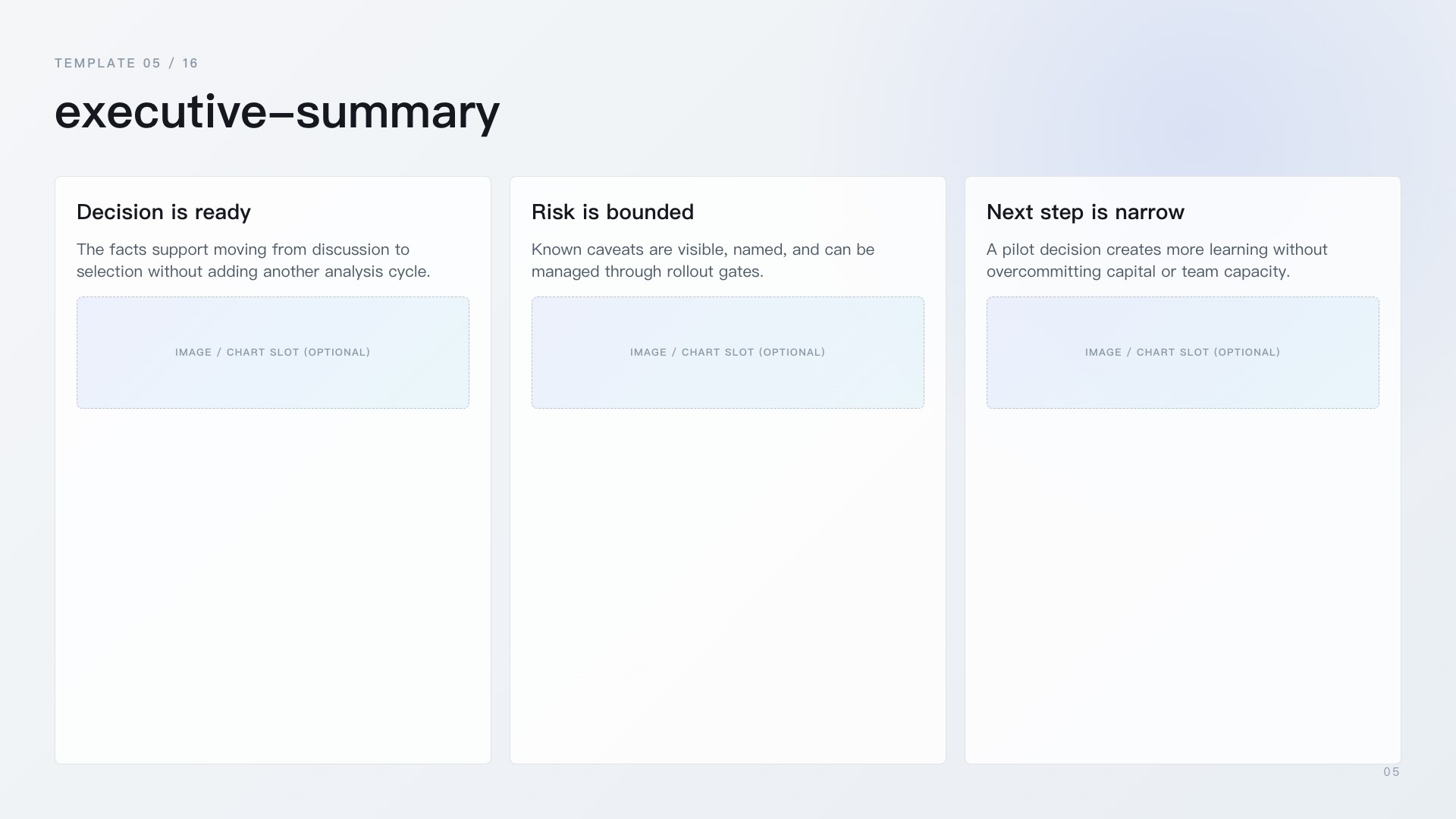
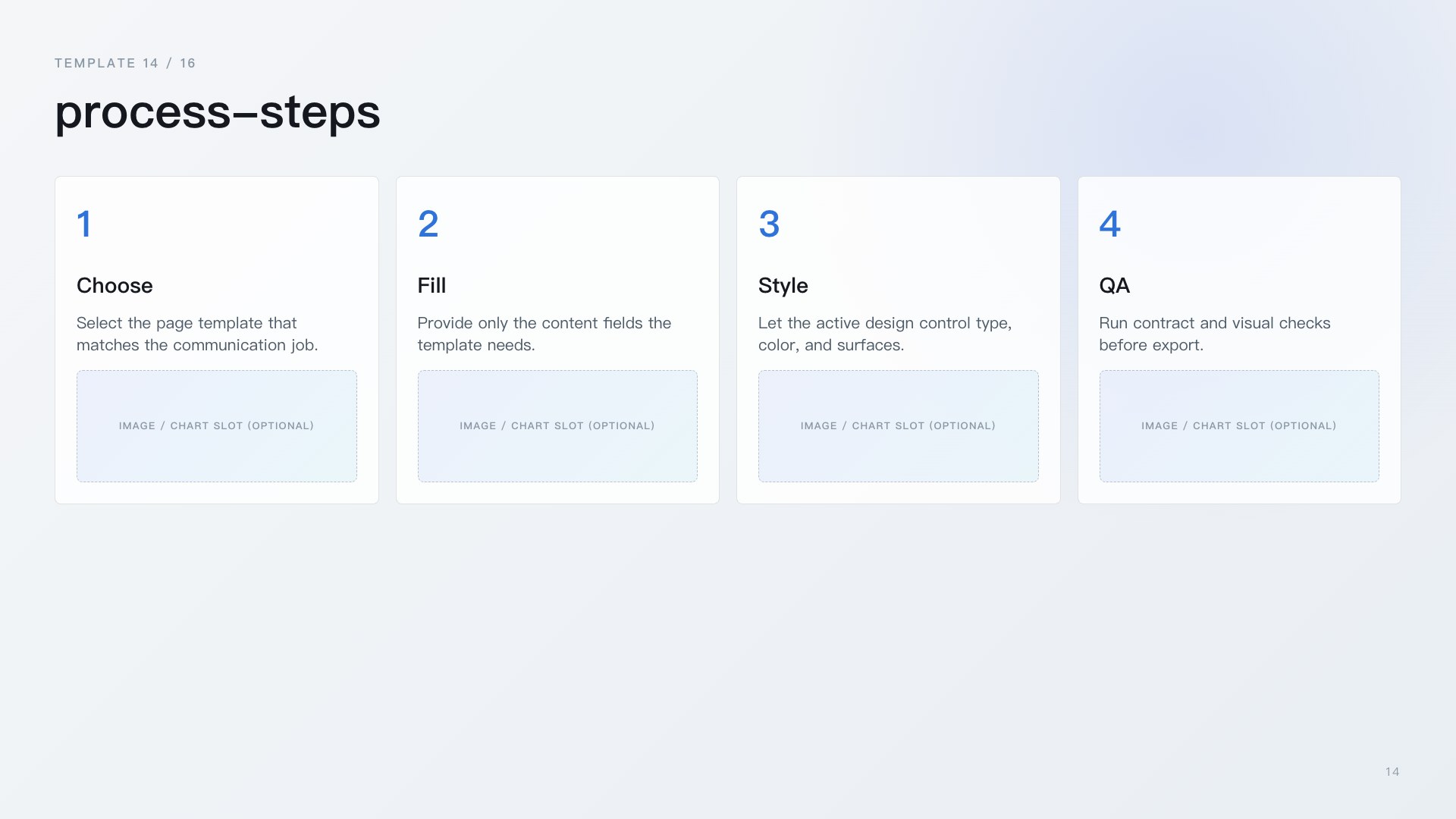
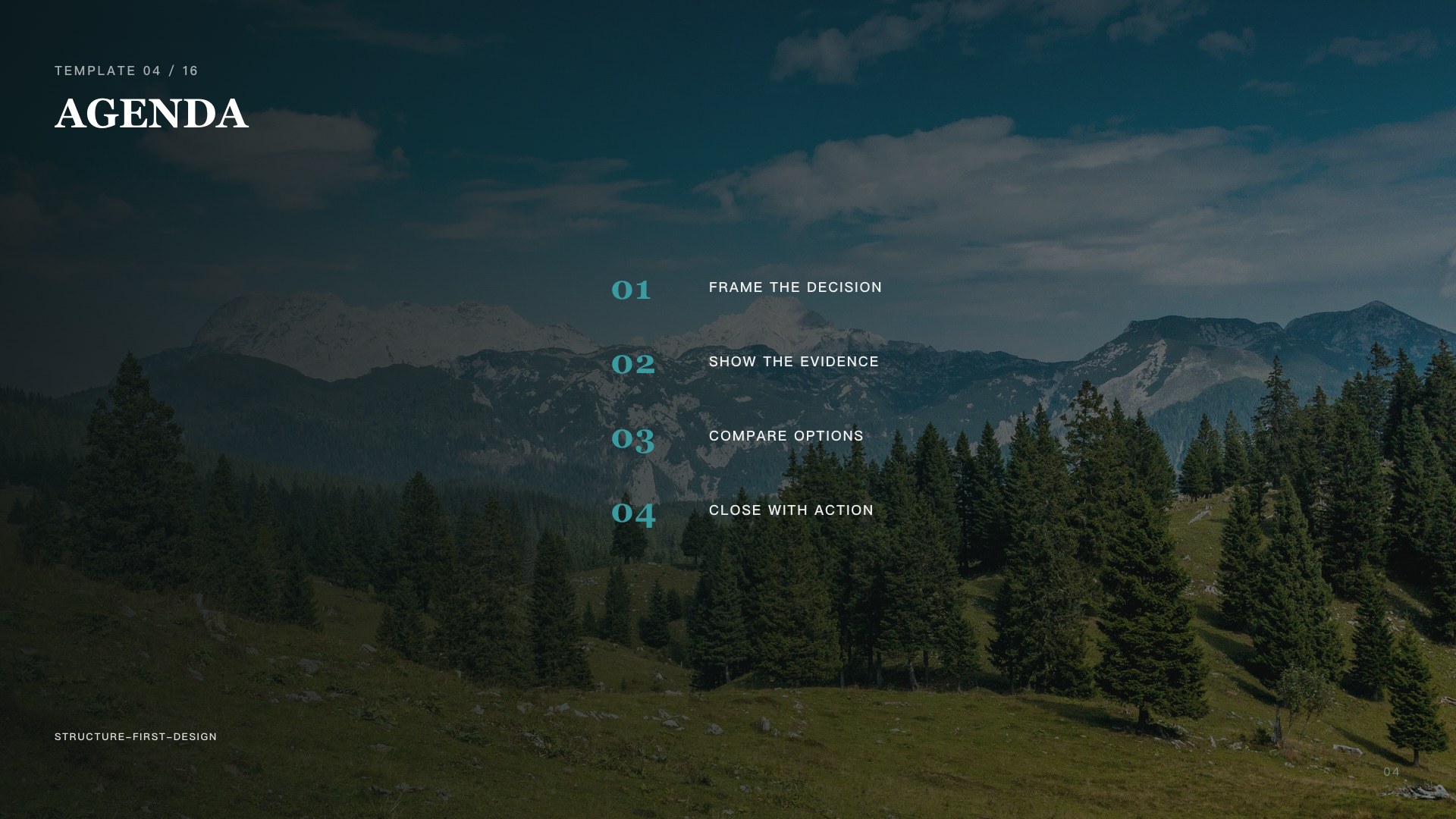
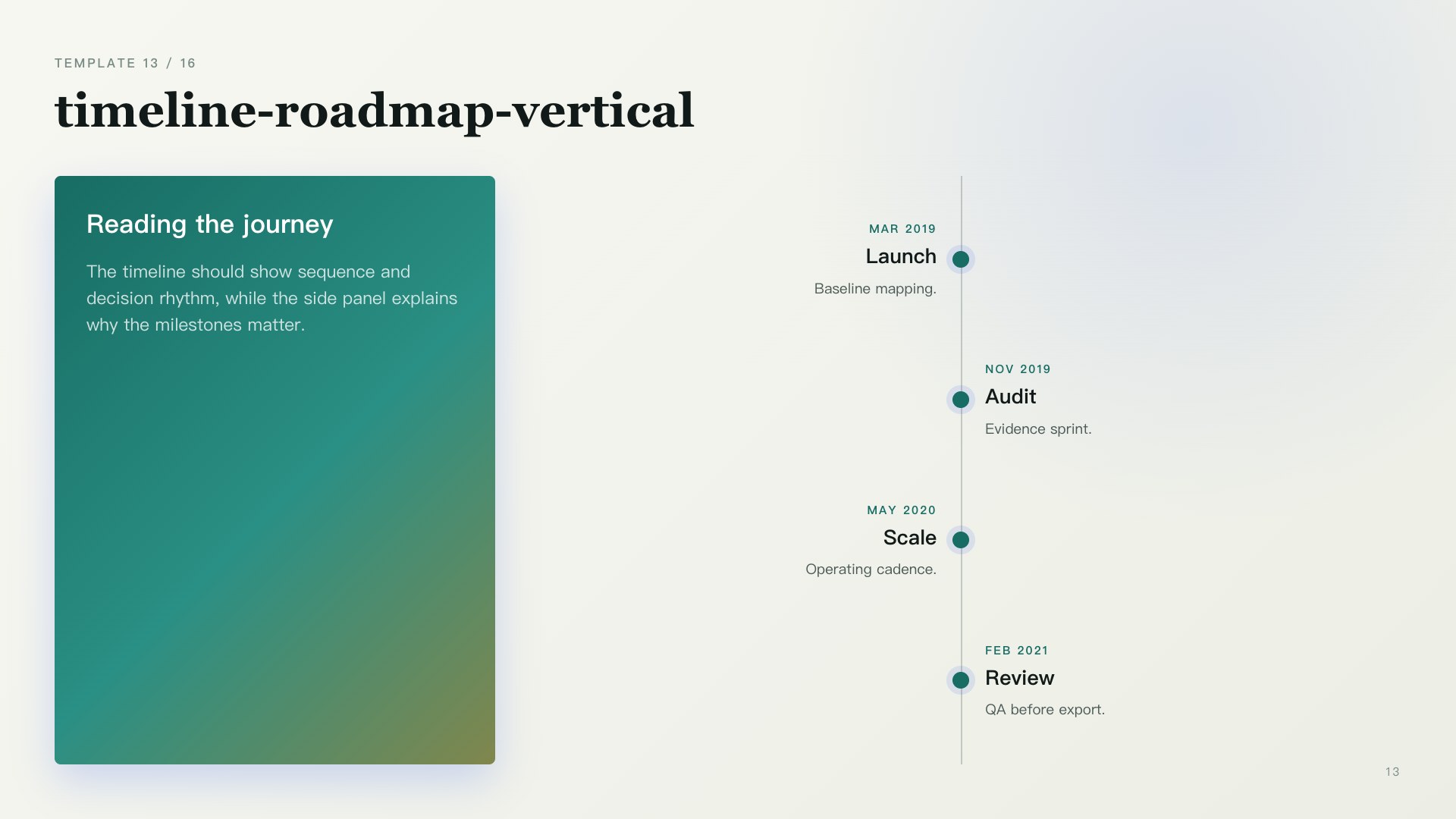
Revela includes built-in deck designs. Design previews are generated from the built-in page-template preview fixture plus the selected design CSS. Each row shows a cover plus representative template pages chosen to highlight that design's character.
starter

summit

monet

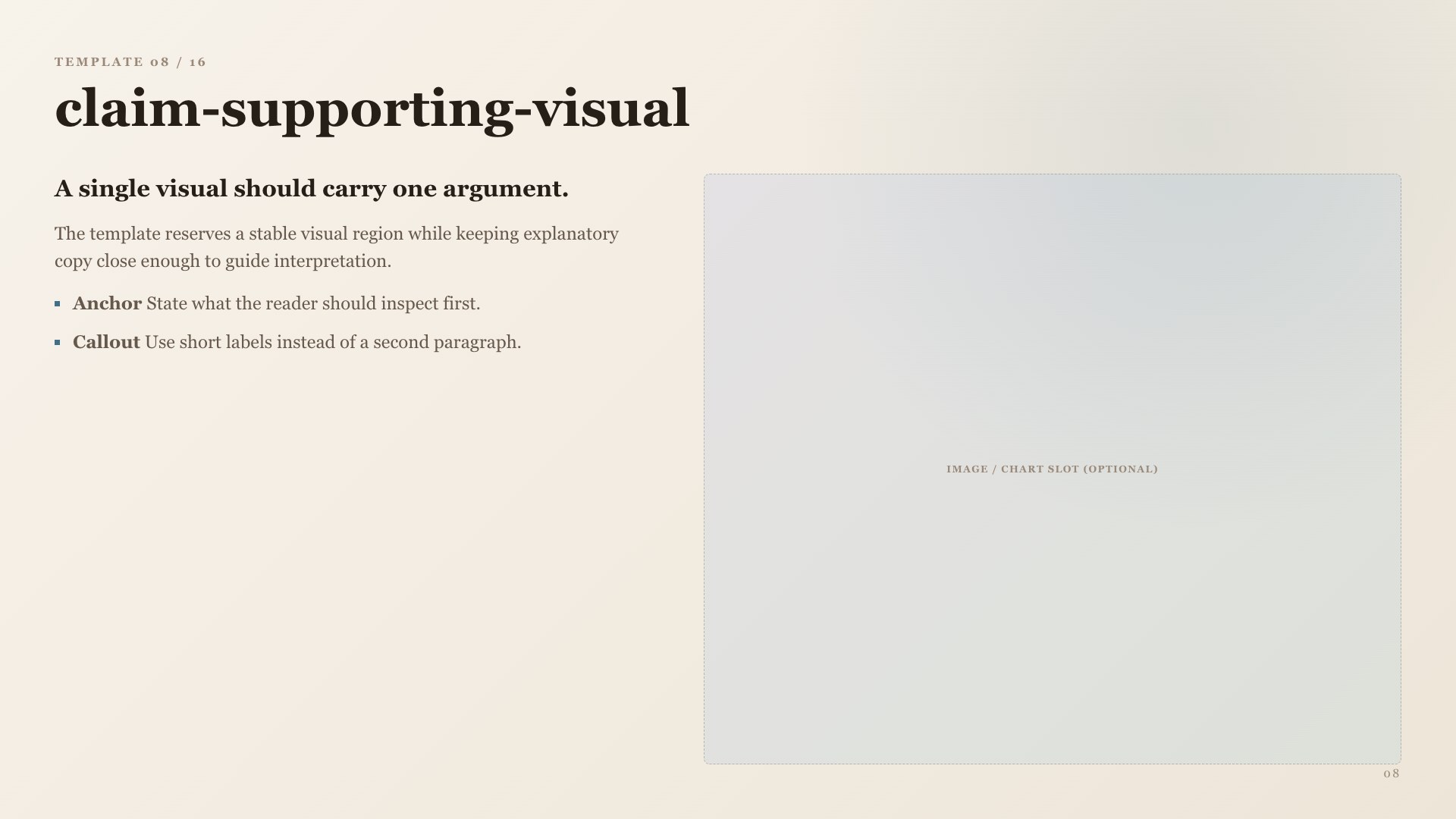
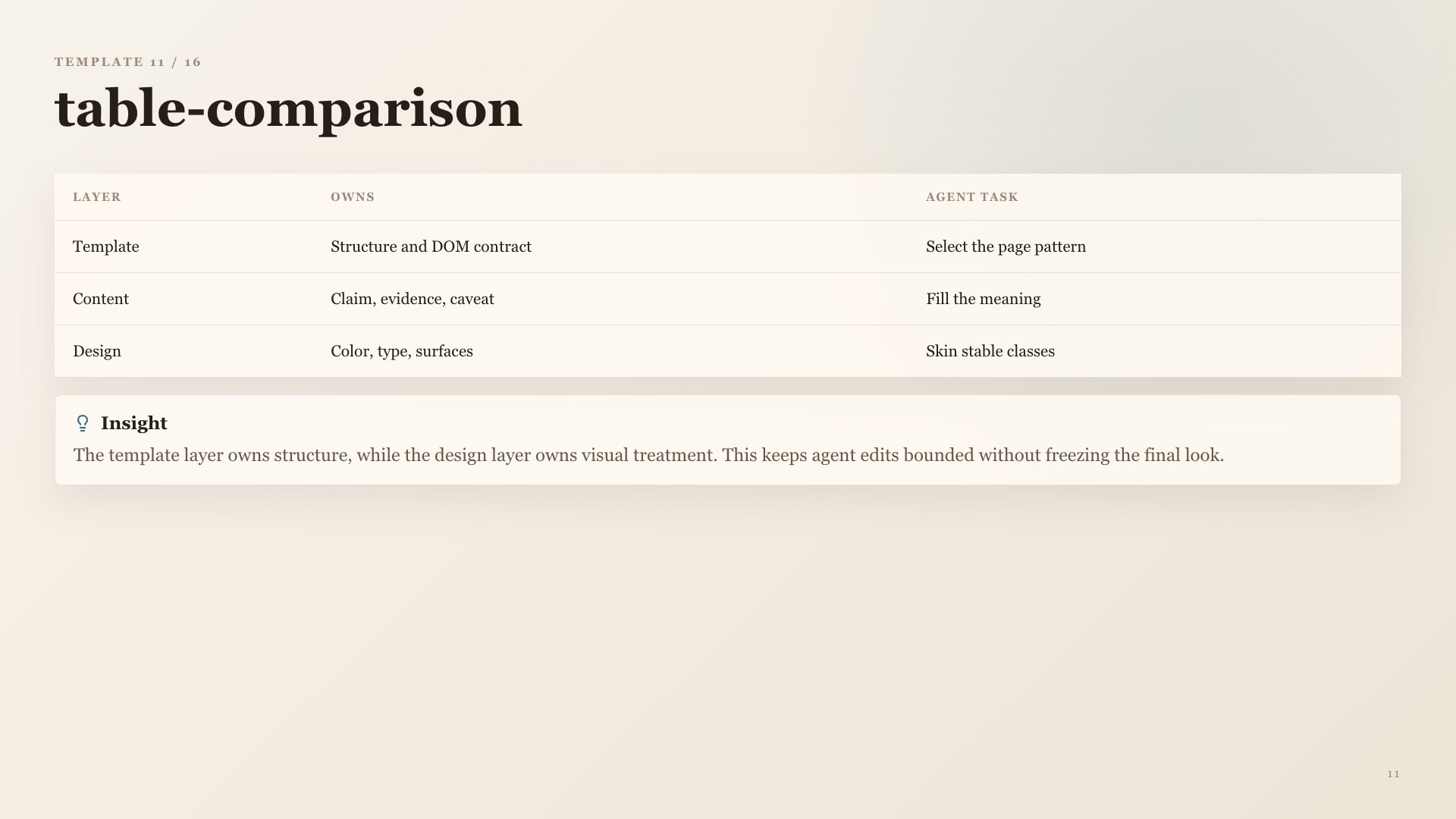
lucent

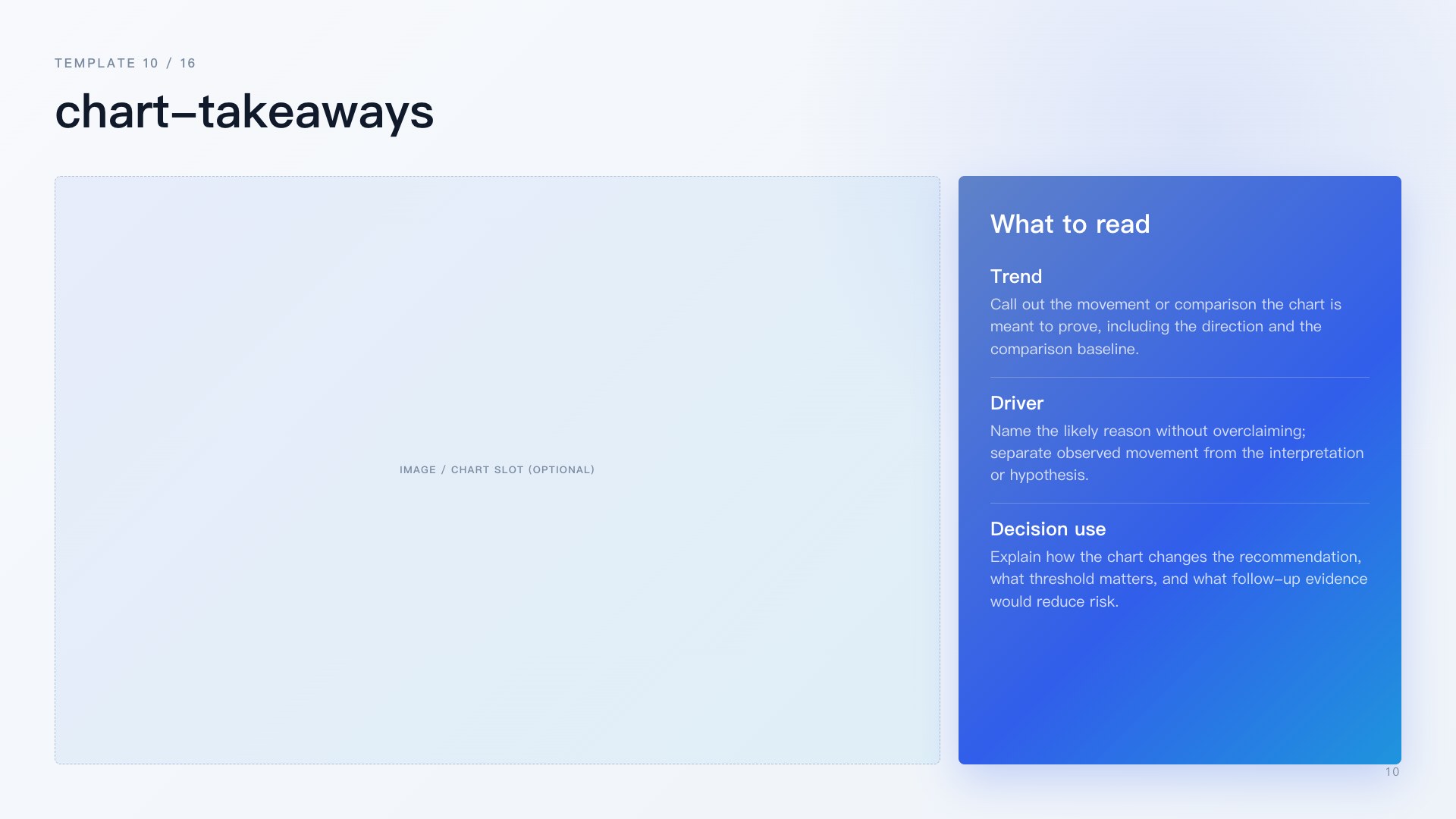
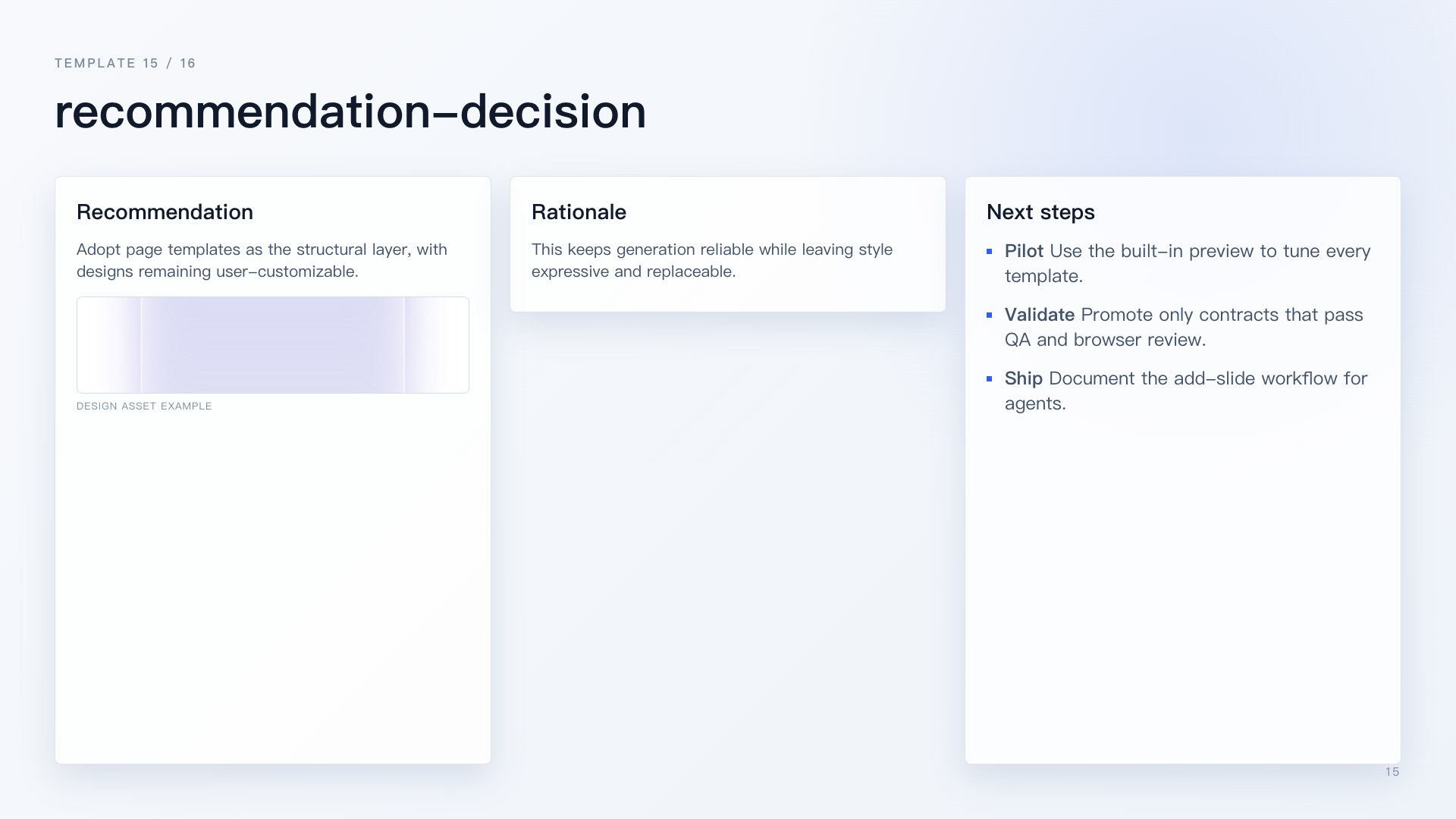
lucent-dark


To switch designs in Codex, ask:
Use Revela to switch to the summit design.
In Codex, ask Revela to list or switch designs; the plugin uses the active design when making new decks. For an existing deck, name the file so Revela can refresh that deck's local design snapshot without rewriting slide content:
Use Revela to switch @decks/.html to the summit design.
Domains
Domains add topic-specific communication guidance, such as consulting, product, or investor communication. Use them when you want Revela to adapt deck framing to a specific context.
Use Revela to list available domains.
In Codex, ask Revela to list or switch domains; the active domain guides spec writing, planning, and deck framing.
Quick Start
Use these prompts in Codex from the workspace that contains the user's source materials.
- Spec: capture the ask, audience, output, constraints, language, design preference, and acceptance criteria in
spec.md.
Use Revela to turn this goal into a spec.md for a decision deck. Inspect the workspace, ask only for missing high-impact details, and recommend the next step.
- Plan: review the materials, save source-linked findings, and produce
deck-plan.md.
Use Revela to review the materials, save useful findings, and produce deck-plan.md for this deck.
- Render Deck: generate
decks/*.htmlfrom the plan.
Use Revela to render the deck from deck-plan.md.
- Review: open the HTML deck directly in Codex Browser. Replace
@decks/<file>.htmlwith the actual generated file path.
Use Revela to review @decks/.html in Codex Browser.
Use Review to inspect copy, argument flow, hierarchy, spacing, charts, tables, visuals, and export readiness. If you want a diagnostic report, ask Revela to diagnose or QA the same deck file.
- Export: export the reviewed HTML deck. Replace
@decks/<file>.htmlwith the actual generated file path.
Use Revela to export @decks/.html as PDF.
Use Revela to export @decks/.html as editable PPTX.
Use Revela to export @decks/.html as per-slide PNG files.
Optional setup:
- Use Revela to switch to the consulting domain.
- Use Revela to switch to the summit design.
- Use Revela to create a custom design named neon-finance with a crisp financial-dashboard style.