
opencode-notificationOpenCode plugin for simple system notifications when permissions are needed, generation completes, or errors occur
4
106
20 in 7 days
29.7
Multi-signal model
5 months ago
2026-03-15
Install and configure
opencode.jsonWrites to this project's opencode.json — applies to this repository only.
opencode.json
{
  "$schema": "https://opencode.ai/config.json",
  "plugin": ["opencode-notification@0.0.5"]
}
Writes to ~/.config/opencode/opencode.json — applies to every project.
~/.config/opencode/opencode.json
{
  "$schema": "https://opencode.ai/config.json",
  "plugin": ["opencode-notification@0.0.5"]
}
If you want to modify the plugin locally, install it into the project and reference the local path.
shell
pnpm add -D opencode-notificationopencode loads npm dependencies through its embedded runtime on startup and caches them locally — no manual global install needed.
OpenCode plugin for desktop notifications in TUI.
You get notifications when:
- A response is ready
- A permission is requested
- A question is asked
- A session hits an error
Designed for simple Claude Code inspired notifications.
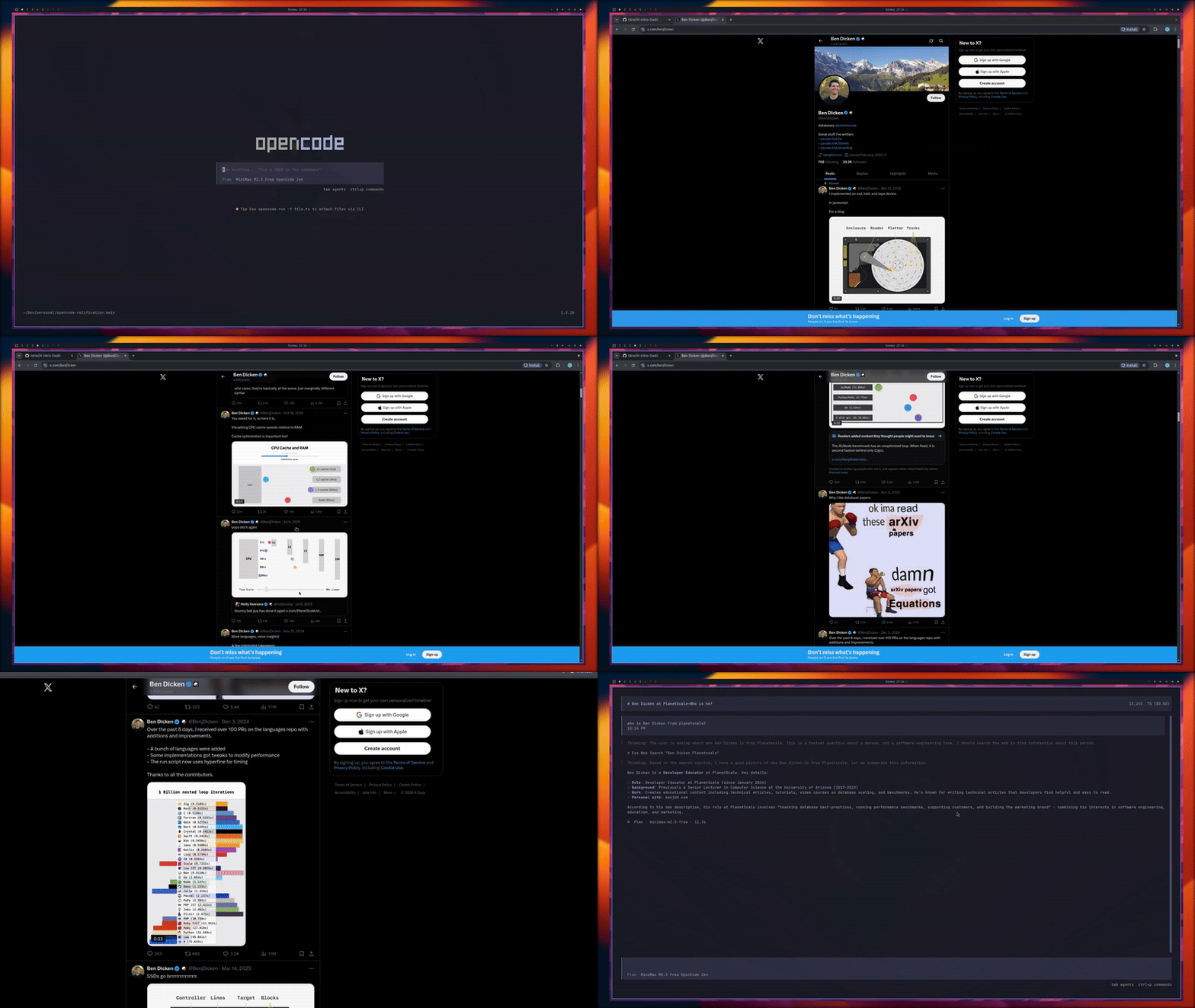
Demo
Install
Add the plugin to your OpenCode config:
{
	"$schema": "https://opencode.ai/config.json",
	"plugin": ["opencode-notification@latest"]
}
Then restart OpenCode.
Configure
The plugin reads oc-notification.json from these locations (lowest to highest precedence):
- Global:
~/.config/oc-notification.json(or%APPDATA%\\oc-notification.jsonon Windows) - Project root:
<project>/oc-notification.json - Project OpenCode folder:
<project>/.opencode/oc-notification.json
Configs are merged in this order, so later files override earlier ones.
Default config:
{
	"$schema": "https://unpkg.com/opencode-notification@latest/schema/oc-notification.json",
	"delay": 15,
	"enabled": true,
	"response_ready": { "enabled": true },
	"error": { "enabled": true },
	"permission_asked": { "enabled": true },
	"question_asked": { "enabled": true }
}
Minimal low-noise example:
{
	"$schema": "https://unpkg.com/opencode-notification@latest/schema/oc-notification.json",
	"delay": 15,
	"enabled": false,
	"permission_asked": { "enabled": true },
	"question_asked": { "enabled": true }
}
Options
delay(number): Default delay before showing notifications (seconds).enabled(boolean): Master on/off switch for all notifications.response_ready,error,permission_asked,question_asked: Per-event settings.response_ready.enabled,error.enabled,permission_asked.enabled,question_asked.enabled(boolean): Enable or disable each event.response_ready.delay,error.delay,permission_asked.delay,question_asked.delay(number, optional): Per-event delay override in seconds.
Events
response_ready: Sent when OpenCode becomes idle after an assistant response.error: Sent when a session errors.permission_asked: Sent when OpenCode requests permission.question_asked: Sent when OpenCode asks a question.
Project Direction
- Mimic Claude Code style notification behavior as closely as possible.
- Reach feature parity with OpenCode Desktop notifications where possible within TUI limits.
- Keep behavior configurable and low-noise by default.
- Contribute improvements upstream to OpenCode once behavior is stable.
Platform Notes
- Linux: Uses
notify-sendwhen available, otherwise terminal bell. - macOS: Uses
osascriptnotifications. - Windows: Uses PowerShell toast notifications, then
msg, then bell fallback.
If notifications do not appear on Linux, install a notification daemon and ensure notify-send is available.