
omos-fitzpaLightweight agent orchestration plugin for OpenCode - a fork of oh-my-opencode-slim
1
92
42 in 7 days
29.6
Multi-signal model
3 months ago
2026-05-16
Install and configure
opencode.jsonWrites to this project's opencode.json — applies to this repository only.
opencode.json
{
  "$schema": "https://opencode.ai/config.json",
  "plugin": ["omos-fitzpa@1.1.2"]
}
Writes to ~/.config/opencode/opencode.json — applies to every project.
~/.config/opencode/opencode.json
{
  "$schema": "https://opencode.ai/config.json",
  "plugin": ["omos-fitzpa@1.1.2"]
}
If you want to modify the plugin locally, install it into the project and reference the local path.
shell
pnpm add -D omos-fitzpaopencode loads npm dependencies through its embedded runtime on startup and caches them locally — no manual global install needed.
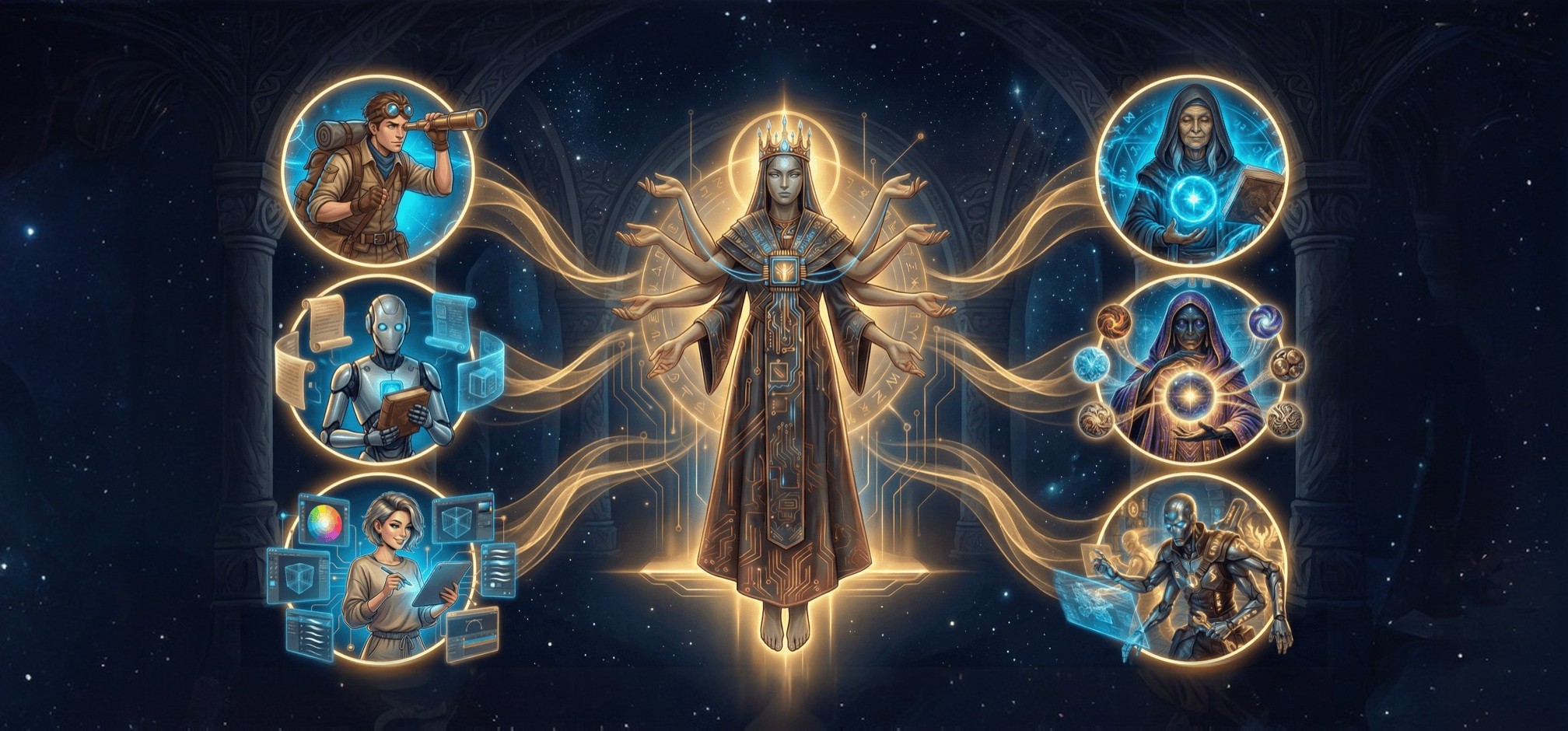
A specialist team emerged from the dawn of code, each an immortal master of their craft awaiting your command to forge order from chaos and build what was once thought impossible.
Open Multi Agent Suite · Mix any models · Auto delegate tasks
by Boring Dystopia Development



What's This Plugin
omos-fitzpa is the published npm package and CLI for this maintained fork of
oh-my-opencode-slim, an agent orchestration plugin for OpenCode. It includes a
built-in team of specialized agents that can scout a codebase, look up fresh
documentation, review architecture, handle UI work, and execute well-scoped
implementation tasks under one orchestrator.
The main idea is simple: instead of forcing one model to do everything, the plugin routes each part of the job to the agent best suited for it, balancing quality, speed and cost.
Current capabilities include:
@reviewerfor read-only changed-code review and/review-changes@simplifierfor behavior-preserving cleanup and/simplify-changes- optional post-edit automation that can run review or simplification after tracked edits
- CodeGraph-aware guidance when a project has
.codegraph/codegraph.dband an OpenCode MCP namedcodegraph - generated presets for
openai,opencode-go,zen-max,zen-balanced, andzen-low
To explore the agents themselves, see Meet the Pantheon. For the full feature set, see Features & Workflows below.
Quick Start
Copy and paste this prompt to your LLM agent (Claude Code, AmpCode, Cursor, etc.):
Install and configure omos-fitzpa from npm using: bunx omos-fitzpa@latest install
Manual Installation
bunx omos-fitzpa@latest install
The installer also registers the companion TUI plugin in OpenCode's
tui.json, which adds a small sidebar showing specialist-agent status plus
active/reusable task sessions. It also warms OpenCode's plugin cache so bunx
installs keep loading even after temporary directories are cleaned up. For
manual setups, add omos-fitzpa to the plugin array in both
opencode.json and tui.json.
If you previously installed the upstream oh-my-opencode-slim package or a
local development checkout, rerun the installer above. It replaces old plugin
entries with omos-fitzpa while preserving the existing
~/.config/opencode/oh-my-opencode-slim.json plugin configuration file unless
you pass --reset.
Getting Started
The installer generates OpenAI, OpenCode Go, and OpenCode Zen presets, with OpenAI active by default. OpenAI uses openai/gpt-5.5 for the higher-judgment agents and openai/gpt-5.4-mini for the faster-scoped agents. To make another generated preset active during install, run bunx omos-fitzpa@latest install --preset=opencode-go, --preset=zen-max, --preset=zen-balanced, or --preset=zen-low, or change the default preset name in ~/.config/opencode/oh-my-opencode-slim.json after installation.
Then:
Log in to the providers you want to use if you haven't already:
opencode auth loginRefresh and list the models OpenCode can see:
opencode models --refreshOpen your plugin config at
~/.config/opencode/oh-my-opencode-slim.jsonUpdate the models you want for each agent
[!TIP] It's recommended to understand how automatic delegation works. The Orchestrator prompt contains the delegation rules, specialist routing logic, and the thresholds for when the main agent should hand work off to subagents. You can always delegate manually by calling a subagent via:
@agentName <task>
The default generated configuration includes openai, opencode-go, zen-max, zen-balanced, and zen-low presets.
{
  "$schema": "https://unpkg.com/omos-fitzpa@latest/oh-my-opencode-slim.schema.json",
  "preset": "openai",
  "presets": {
    "openai": {
      "orchestrator": { "model": "openai/gpt-5.5", "skills": ["*"], "mcps": ["*", "!context7"] },
      "oracle": { "model": "openai/gpt-5.5", "variant": "high", "skills": ["simplify"], "mcps": [] },
      "librarian": { "model": "openai/gpt-5.4-mini", "variant": "low", "skills": [], "mcps": ["websearch", "context7", "grep_app"] },
      "explorer": { "model": "openai/gpt-5.4-mini", "variant": "low", "skills": [], "mcps": [] },
      "designer": { "model": "openai/gpt-5.4-mini", "variant": "medium", "skills": ["agent-browser"], "mcps": [] },
      "fixer": { "model": "openai/gpt-5.4-mini", "variant": "low", "skills": [], "mcps": [] },
      "reviewer": { "model": "openai/gpt-5.4-mini", "variant": "low", "skills": [], "mcps": [] },
      "simplifier": { "model": "openai/gpt-5.4-mini", "variant": "low", "skills": [], "mcps": [] }
    },
    "opencode-go": {
      "orchestrator": { "model": "opencode-go/glm-5.1", "skills": [ "*" ], "mcps": [ "*", "!context7" ] },
      "oracle": { "model": "opencode-go/deepseek-v4-pro", "variant": "max", "skills": ["simplify"], "mcps": [] },
      "council": { "model": "opencode-go/deepseek-v4-pro", "variant": "high", "skills": [], "mcps": [] },
      "librarian": { "model": "opencode-go/minimax-m2.7", "skills": [], "mcps": [ "websearch", "context7", "grep_app" ] },
      "explorer": { "model": "opencode-go/minimax-m2.7", "skills": [], "mcps": [] },
      "designer": { "model": "opencode-go/kimi-k2.6", "variant": "medium", "skills": [ "agent-browser" ], "mcps": [] },
      "fixer": { "model": "opencode-go/deepseek-v4-flash", "variant": "high", "skills": [], "mcps": [] },
      "reviewer": { "model": "opencode-go/deepseek-v4-flash", "variant": "high", "skills": [], "mcps": [] },
      "simplifier": { "model": "opencode-go/deepseek-v4-flash", "variant": "high", "skills": [], "mcps": [] },
      "observer": { "model": "opencode-go/kimi-k2.6", "skills": [], "mcps": [] }
    },
    "zen-balanced": {
      "orchestrator": {
        "model": [
          { "id": "opencode/glm-5.1", "variant": "medium" },
          { "id": "opencode/gpt-5.3-codex", "variant": "medium" },
          { "id": "opencode/kimi-k2.6", "variant": "medium" },
          { "id": "opencode/gpt-5.4-mini", "variant": "medium" }
        ],
        "skills": ["*"],
        "mcps": ["*", "!context7"]
      },
      "oracle": {
        "model": [
          { "id": "opencode/gpt-5.3-codex", "variant": "high" },
          { "id": "opencode/glm-5.1", "variant": "high" },
          { "id": "opencode/kimi-k2.6", "variant": "high" },
          { "id": "opencode/claude-haiku-4-5", "variant": "high" }
        ],
        "skills": ["simplify"],
        "mcps": []
      },
      "reviewer": {
        "model": [
          { "id": "opencode/gpt-5.3-codex", "variant": "medium" },
          { "id": "opencode/glm-5.1", "variant": "medium" },
          { "id": "opencode/claude-haiku-4-5", "variant": "medium" }
        ],
        "skills": [],
        "mcps": []
      },
      "simplifier": {
        "model": [
          { "id": "opencode/gpt-5.4-mini", "variant": "medium" },
          { "id": "opencode/minimax-m2.7", "variant": "medium" },
          { "id": "opencode/kimi-k2.6", "variant": "medium" }
        ],
        "skills": [],
        "mcps": []
      }
    }
  }
}
The Zen presets use the opencode/... provider IDs from OpenCode Zen. zen-max
prefers the strongest non-Pro models while avoiding gpt-5.4-pro,
gpt-5.5-pro, and claude-opus-4-7; zen-balanced uses efficient paid models;
zen-low keeps paid cheap models first and free models late in fallback chains
to reduce rate-limit risk.
For CodeGraph-aware discovery, configure an OpenCode MCP named codegraph and
generate .codegraph/codegraph.db in the project. Agents only receive the
guidance when their mcps list allows codegraph. See
MCPs for details.
For Alternative Providers
To use custom providers or a mixed-provider setup, use Configuration for the full reference. If you want a ready-made starting point, check the Author's Preset and $30 Preset - the $30 preset is the best cheap setup.
The configuration guide also covers custom subagents via agents.<name>, where
you can define both a normal prompt and an orchestratorPrompt block for
delegation.
For model suggestions, see the Recommended Models listed under each agent below.
✅ Verify Your Setup
After installation and authentication, verify all agents are configured and responding:
opencode
Then run:
ping all agents
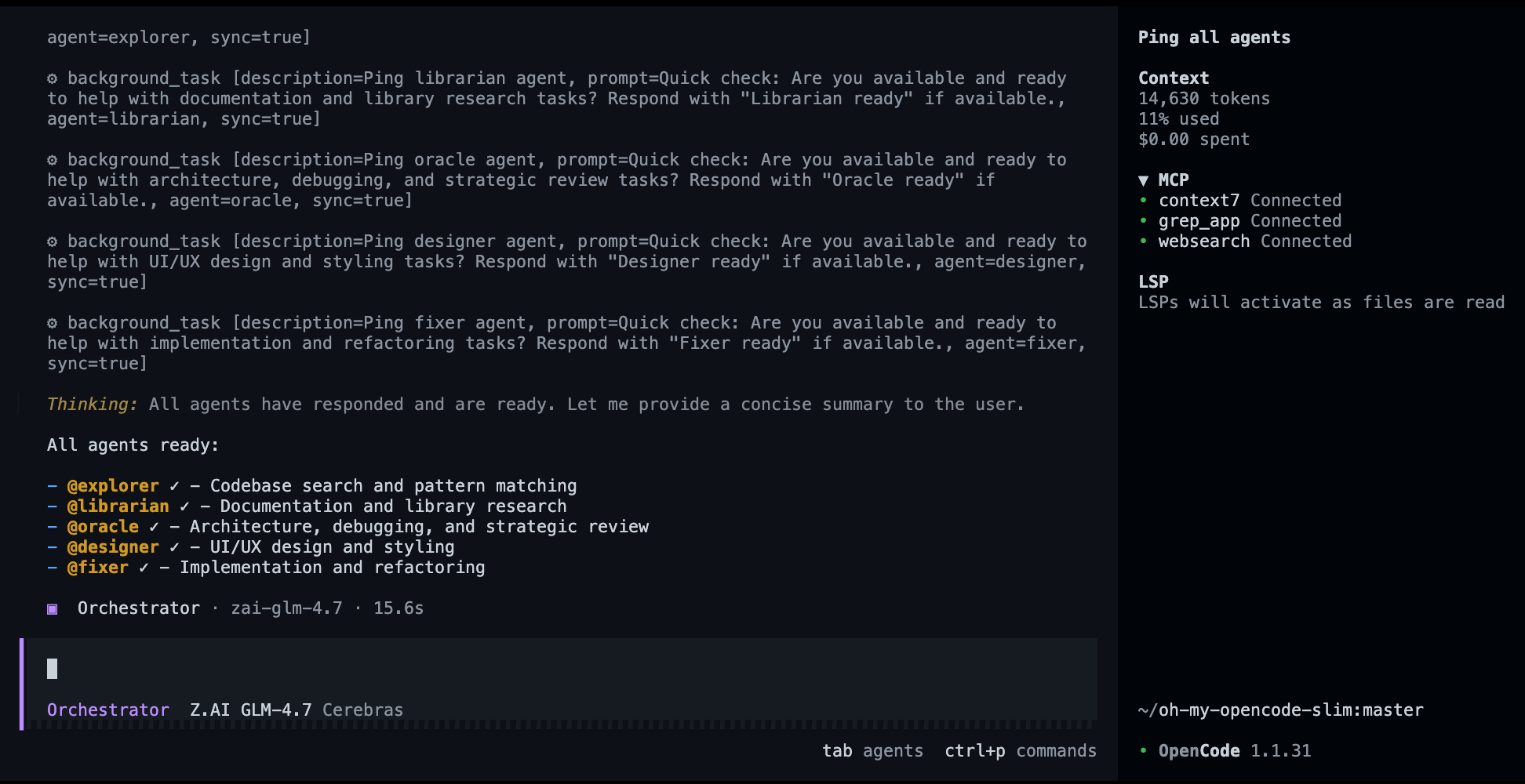
Confirmation that all configured agents are online and ready.
If any agent fails to respond, check your provider authentication and config file.
🏛️ Meet the Pantheon
01. Orchestrator: The Embodiment Of Order
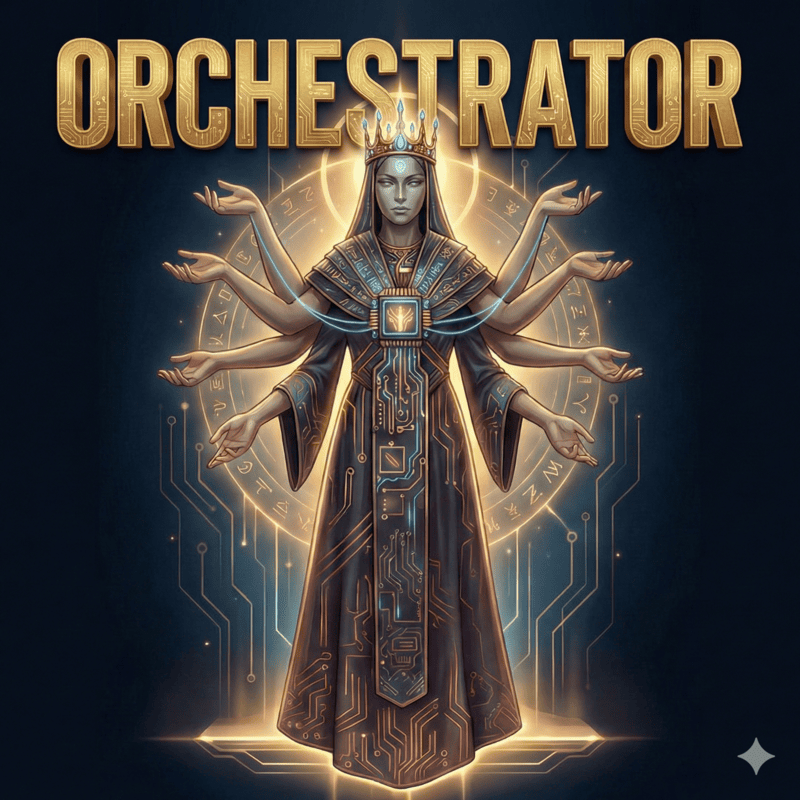
Forged in the void of complexity. |
The Orchestrator was born when the first codebase collapsed under its own complexity. Neither god nor mortal would claim responsibility - so The Orchestrator emerged from the void, forging order from chaos. It determines the optimal path to any goal, balancing speed, quality, and cost. It guides the team, summoning the right specialist for each task and delegating to achieve the best possible outcome. |
Role: Master delegator and strategic coordinator
|
|
Prompt: orchestrator.ts
|
|
Default Model: openai/gpt-5.5
|
|
Recommended Models: openai/gpt-5.5 anthropic/claude-opus-4.6
|
|
| Model Guidance: Choose your default, strongest all-around coding model. Orchestrator is both the main coding agent and the delegator, so it needs strong implementation ability, good judgment, and reliable instruction-following. |
02. Explorer: The Eternal Wanderer

The wind that carries knowledge. |
The Explorer is an immortal wanderer who has traversed the corridors of a million codebases since the dawn of programming. Cursed with the gift of eternal curiosity, they cannot rest until every file is known, every pattern understood, every secret revealed. Legends say they once searched the entire internet in a single heartbeat. They are the wind that carries knowledge, the eyes that see all, the spirit that never sleeps. |
Role: Codebase reconnaissance
|
|
Prompt: explorer.ts
|
|
Default Model: openai/gpt-5.4-mini
|
|
Recommended Models: cerebras/zai-glm-4.7 fireworks-ai/accounts/fireworks/routers/kimi-k2p5-turbo openai/gpt-5.4-mini
|
|
| Model Guidance: Choose a fast, low-cost model. Explorer handles broad scouting work, so speed and efficiency usually matter more than using your strongest reasoning model. |
03. Oracle: The Guardian of Paths

The voice at the crossroads. |
The Oracle stands at the crossroads of every architectural decision. They have walked every road, seen every destination, know every trap that lies ahead. When you stand at the precipice of a major refactor, they are the voice that whispers which way leads to ruin and which way leads to glory. They don't choose for you - they illuminate the path so you can choose wisely. |
Role: Strategic advisor and debugger of last resort
|
|
Prompt: oracle.ts
|
|
Default Model: openai/gpt-5.5 (high)
|
|
Recommended Models: openai/gpt-5.5 (high) google/gemini-3.1-pro-preview (high)
|
|
| Model Guidance: Choose your strongest high-reasoning model for architecture, hard debugging, trade-offs, and code review. |
04. Council: The Chorus of Minds
[!NOTE] Why doesn't Orchestrator auto-call Council more often? This is intentional. Council runs multiple models at once, so automatic delegation is kept strict because it is usually the highest-cost path in the system. In practice, Council is meant to be used manually when you want it, for example:
@council compare these two architectures.

Many minds, one verdict. |
The Council is not a lone being but a chamber of minds summoned when one answer is not enough. It sends your question to multiple models in parallel, gathers their competing judgments, and then the Council agent itself distills the strongest ideas into a single verdict. Where a solitary agent may miss a path, the Council cross-examines possibility itself. |
Role: Multi-LLM consensus and synthesis
|
|
Prompt: council.ts
|
|
Guide: docs/council.md
|
|
Default Setup: Config-driven — councillors come from council.presets and the Council agent model comes from your normal council agent config
|
|
Recommended Setup: Strong Council model + diverse councillors across providers
|
|
| Model Guidance: Use a strong synthesis model for the Council agent and diverse models as councillors. The value of Council comes from comparing different model perspectives, not just picking the single strongest model everywhere. |
05. Librarian: The Weaver of Knowledge
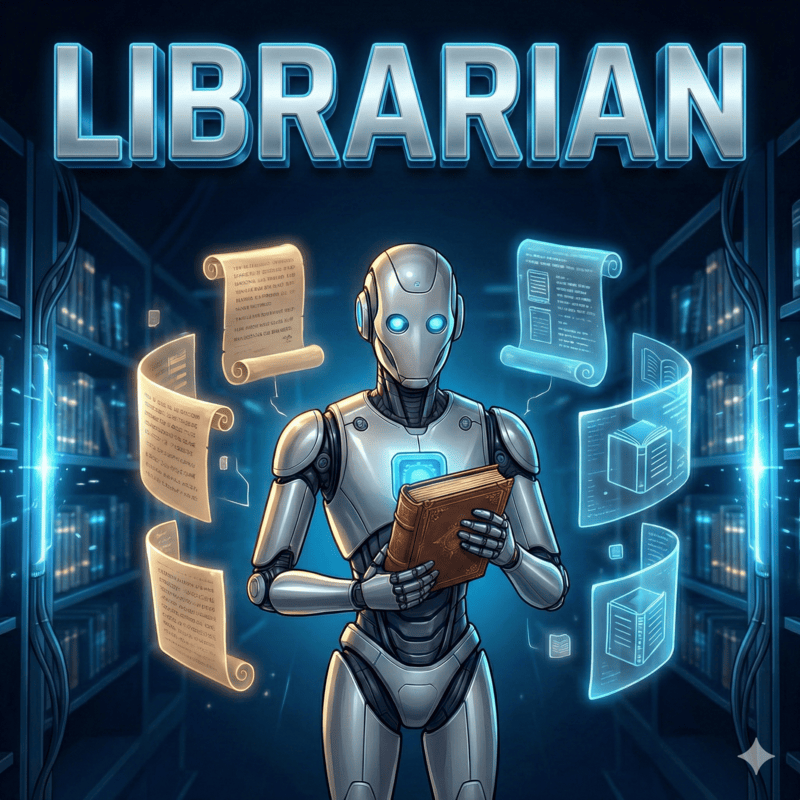
The weaver of understanding. |
The Librarian was forged when humanity realized that no single mind could hold all knowledge. They are the weaver who connects disparate threads of information into a tapestry of understanding. They traverse the infinite library of human knowledge, gathering insights from every corner and binding them into answers that transcend mere facts. What they return is not information - it's understanding. |
Role: External knowledge retrieval
|
|
Prompt: librarian.ts
|
|
Default Model: openai/gpt-5.4-mini
|
|
Recommended Models: cerebras/zai-glm-4.7 fireworks-ai/accounts/fireworks/routers/kimi-k2p5-turbo openai/gpt-5.4-mini
|
|
| Model Guidance: Choose a fast, low-cost model. Librarian handles research and documentation lookups, so speed and efficiency usually matter more than using your strongest reasoning model. |
06. Designer: The Guardian of Aesthetics

Beauty is essential. |
The Designer is an immortal guardian of beauty in a world that often forgets it matters. They have seen a million interfaces rise and fall, and they remember which ones were remembered and which were forgotten. They carry the sacred duty to ensure that every pixel serves a purpose, every animation tells a story, every interaction delights. Beauty is not optional - it's essential. |
Role: UI/UX implementation and visual excellence
|
|
Prompt: designer.ts
|
|
Default Model: openai/gpt-5.4-mini
|
|
Recommended Models: google/gemini-3.1-pro-preview kimi-for-coding/k2p5
|
|
| Model Guidance: Choose a model that is strong at UI/UX judgment, frontend implementation, and visual polish. |
07. Fixer: The Last Builder
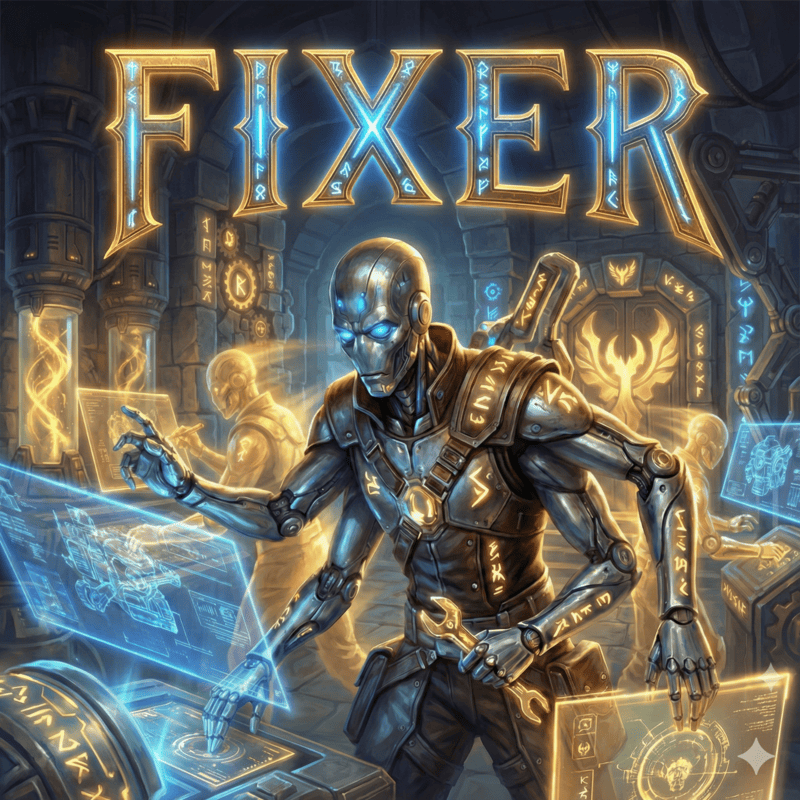
The final step between vision and reality. |
The Fixer is the last of a lineage of builders who once constructed the foundations of the digital world. When the age of planning and debating began, they remained - the ones who actually build. They carry the ancient knowledge of how to turn thought into thing, how to transform specification into implementation. They are the final step between vision and reality. |
Role: Fast implementation specialist
|
|
Prompt: fixer.ts
|
|
Default Model: openai/gpt-5.4-mini
|
|
Recommended Models: cerebras/zai-glm-4.7 fireworks-ai/accounts/fireworks/routers/kimi-k2p5-turbo openai/gpt-5.4-mini
|
|
| Model Guidance: Choose a fast, reliable coding model for routine, scoped implementation work. Fixer usually receives a concrete plan or bounded instructions from Orchestrator, making it a good place for efficient execution tasks such as tests, test updates, and straightforward code changes. |
08. Reviewer: The Watchful Auditor
Read-only changed-code review — reviews staged, unstaged, and untracked
working tree changes for bugs, correctness, security, regressions, and missing
tests. Use @reviewer directly or run /review-changes.
- Default model:
openai/gpt-5.4-mini - Best for routine review of bounded changes
- Use
@oracleinstead when review requires architecture-level judgment or high-risk trade-off analysis
Prompt: src/agents/reviewer.ts
09. Simplifier: The Careful Refiner
Behavior-preserving cleanup — simplifies recently changed code without
changing public APIs, error messages, execution order, async behavior, or side
effects. Use @simplifier directly or run /simplify-changes.
- Default model:
openai/gpt-5.4-mini - Best for local cleanup, reduced nesting, redundant checks, and clearer changed code
- Skips changes when behavior preservation is uncertain
Prompt: src/agents/simplifier.ts
Optional Agents
Observer: The Silent Witness
[!NOTE] Why a separate agent? If your Orchestrator model is not multimodal, enable Observer to handle images, screenshots, PDFs, and other visual files. Observer is disabled by default and gives the Orchestrator a dedicated multimodal reader without forcing you to change your main reasoning model. Set
disabled_agents: []and anobservermodel in your configuration. The bundledopencode-goinstall preset does this automatically because its GLM Orchestrator is not multimodal.
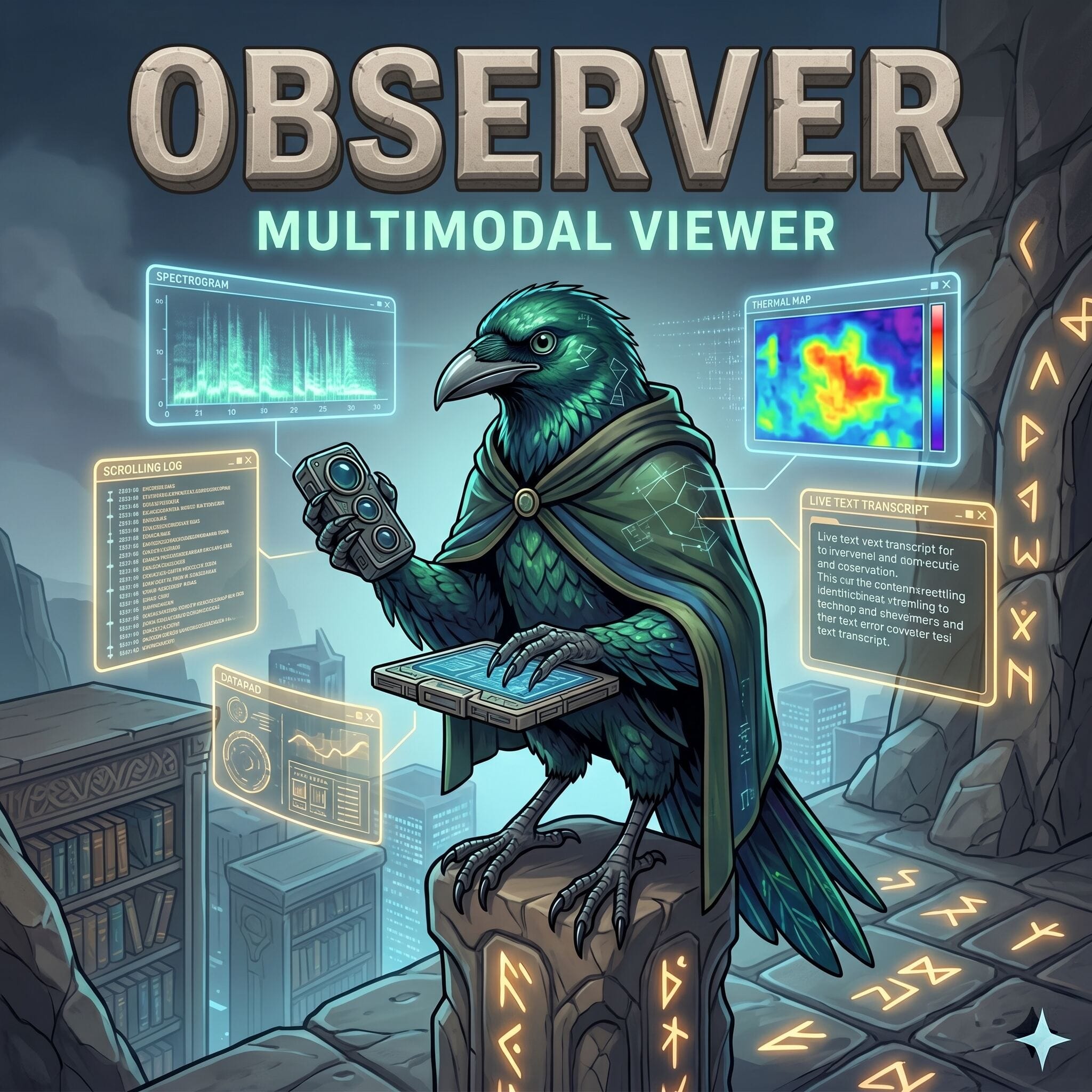
The eye that reads what others cannot. |
Read-only visual analysis — interprets images, screenshots, PDFs, and diagrams. Returns structured observations to the orchestrator without loading raw file bytes into the main context window.
|
Prompt: observer.ts
|
|
Default Model: openai/gpt-5.4-mini — configure a vision-capable model to enable
|
|
| Model Guidance: Choose a vision-capable model if you want the agent to read screenshots, images, PDFs, and other visual files. |
📚 Documentation
Use this section as a map: start with installation, then jump to features, configuration, or example presets depending on what you need.
🚀 Start Here
| Doc | What it covers |
|---|---|
| Installation Guide | Install the plugin, use CLI flags, reset config, and troubleshoot setup |
✨ Features & Workflows
| Doc | What it covers |
|---|---|
| Council | Run multiple models in parallel and synthesize a single answer with @council |
| Multiplexer Integration | Watch agents work live in Tmux or Zellij panes |
| Session Management | Reuse recent child-agent sessions with short aliases instead of starting over |
| Todo Continuation | Auto-continue orchestrator sessions with cooldowns and safety checks |
| Preset Switching | Switch agent model presets at runtime with /preset |
| Subtask | Run a bounded child worker with /subtask and return a structured summary to the main session |
| Configuration | Optional post-edit /review-changes and /simplify-changes automation |
| Codemap | Generate hierarchical codemaps to understand large codebases faster |
| Clonedeps | Clone selected dependency source into an ignored local workspace for inspection |
| Interview | Turn rough ideas into a structured markdown spec through a browser-based Q&A flow |
| Divoom Display | Mirror orchestrator and specialist-agent activity to a Divoom MiniToo Bluetooth display |
⚙️ Config & Reference
| Doc | What it covers |
|---|---|
| Configuration | Config file locations, JSONC support, prompt overrides, and full option reference |
| Maintainer Guide | Issue triage rules, label meanings, support routing, and repo maintenance workflow |
| Skills | Built-in and recommended skills such as simplify, agent-browser, codemap, and clonedeps |
| MCPs | websearch, context7, grep_app, and how MCP permissions work per agent |
| Tools | Built-in tool capabilities like webfetch, LSP tools, code search, and formatters |
💡 Presets
| Doc | What it covers |
|---|---|
| Author's Preset | The author's daily mixed-provider setup |
| $30 Preset | A budget mixed-provider setup for around $30/month |
| OpenCode Go Preset | The bundled opencode-go preset generated by the installer |
| OpenCode Zen Presets | Bundled zen-max, zen-balanced, and zen-low generated presets |
🏛️ Contributors
The builders, debuggers, writers, and wanderers who have earned their place in the pantheon.
Every merged contribution leaves a mark on the realm.



📄 License
MIT